

GPSDD GDD400
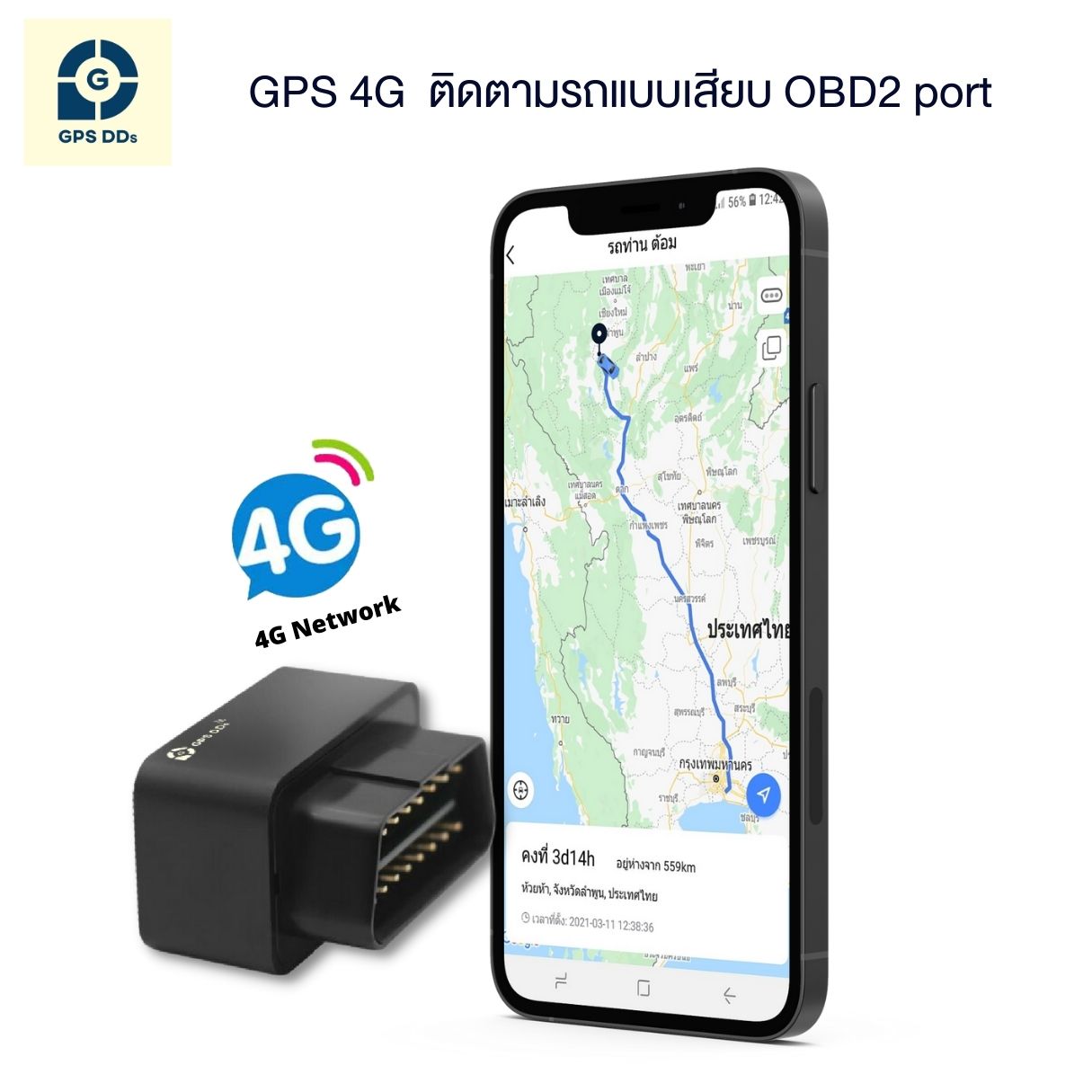
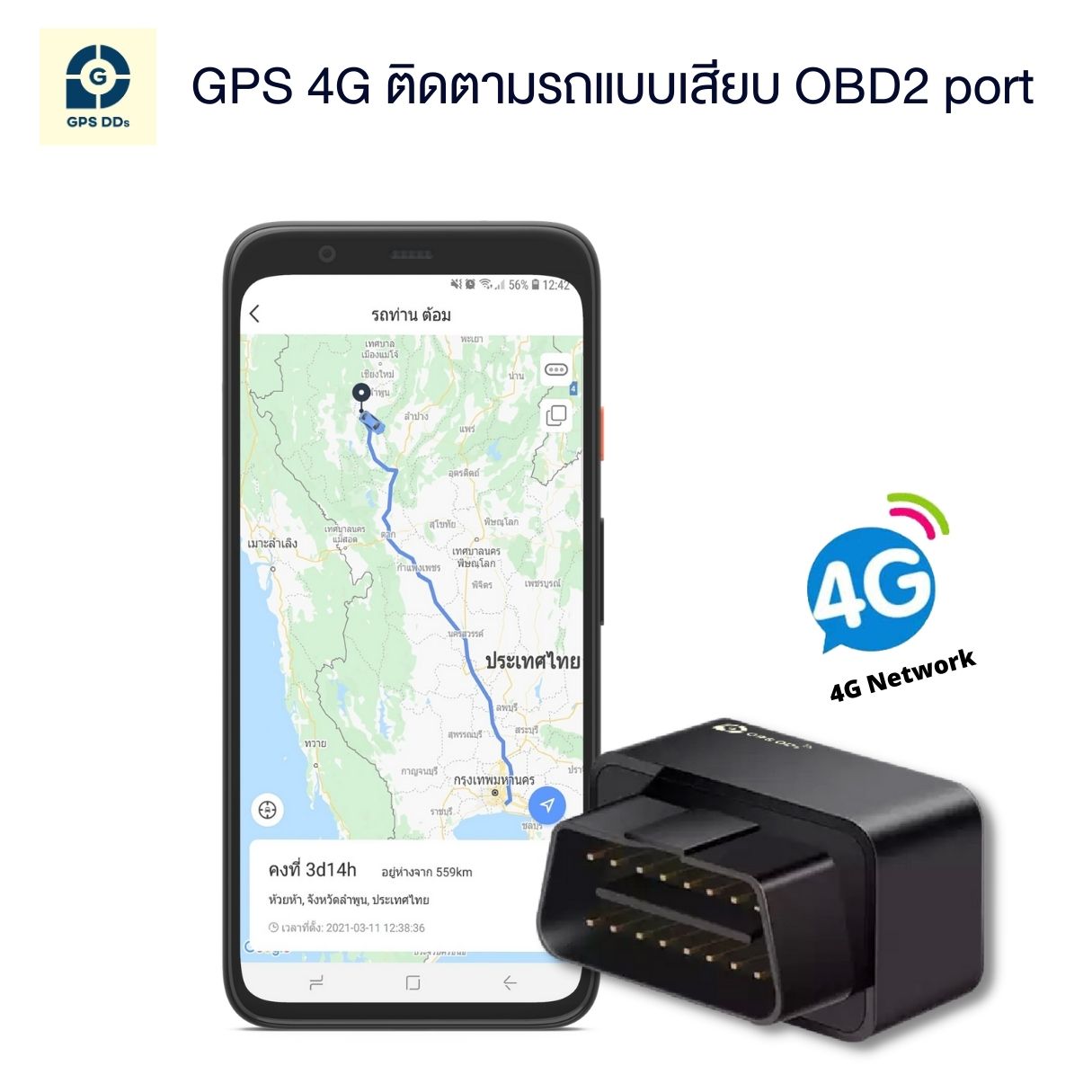
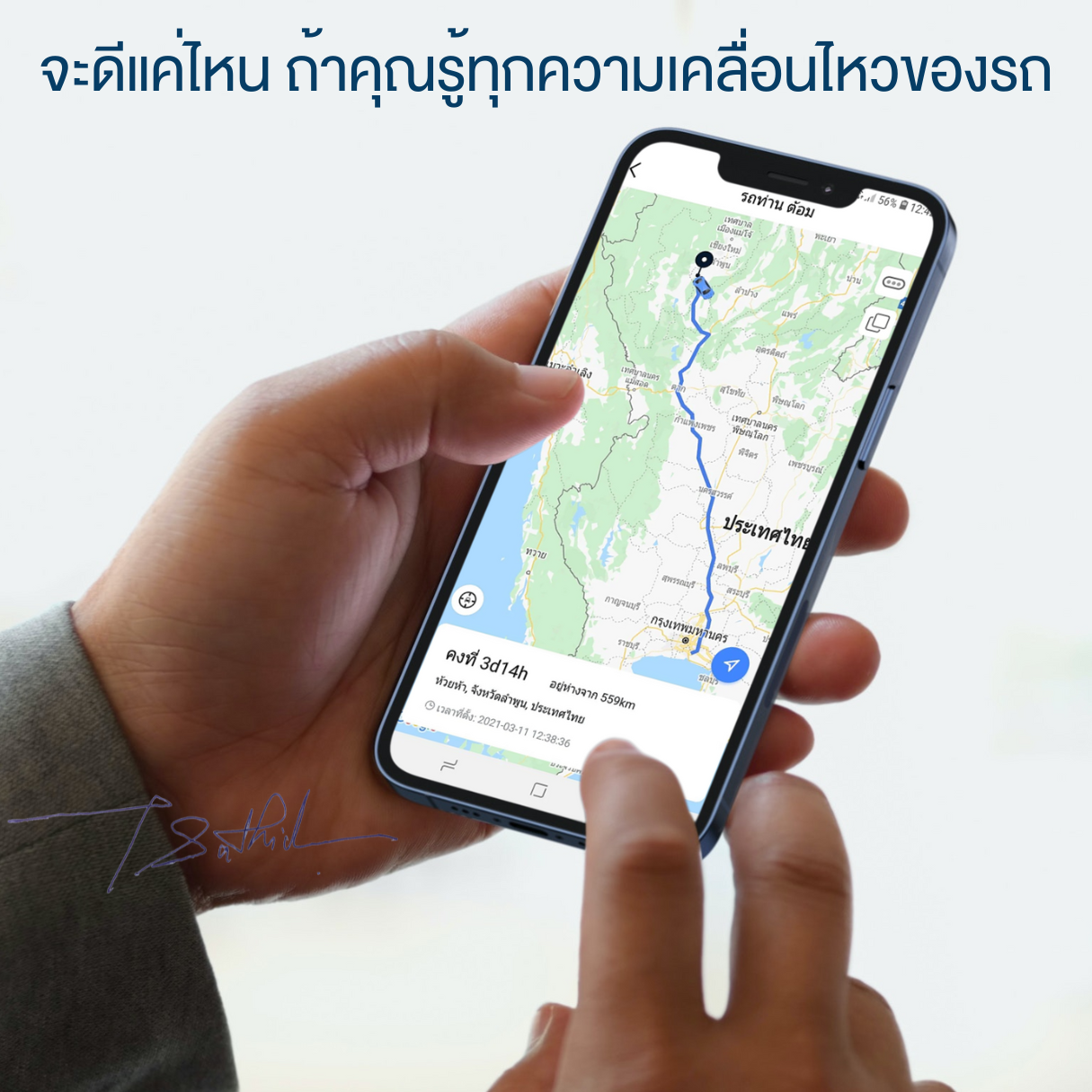
Easy to install with accurate positioning — see your vehicle's location on your phone in the GPSDD app
No need to phone around to find the car — just check your phone
Packed with useful features
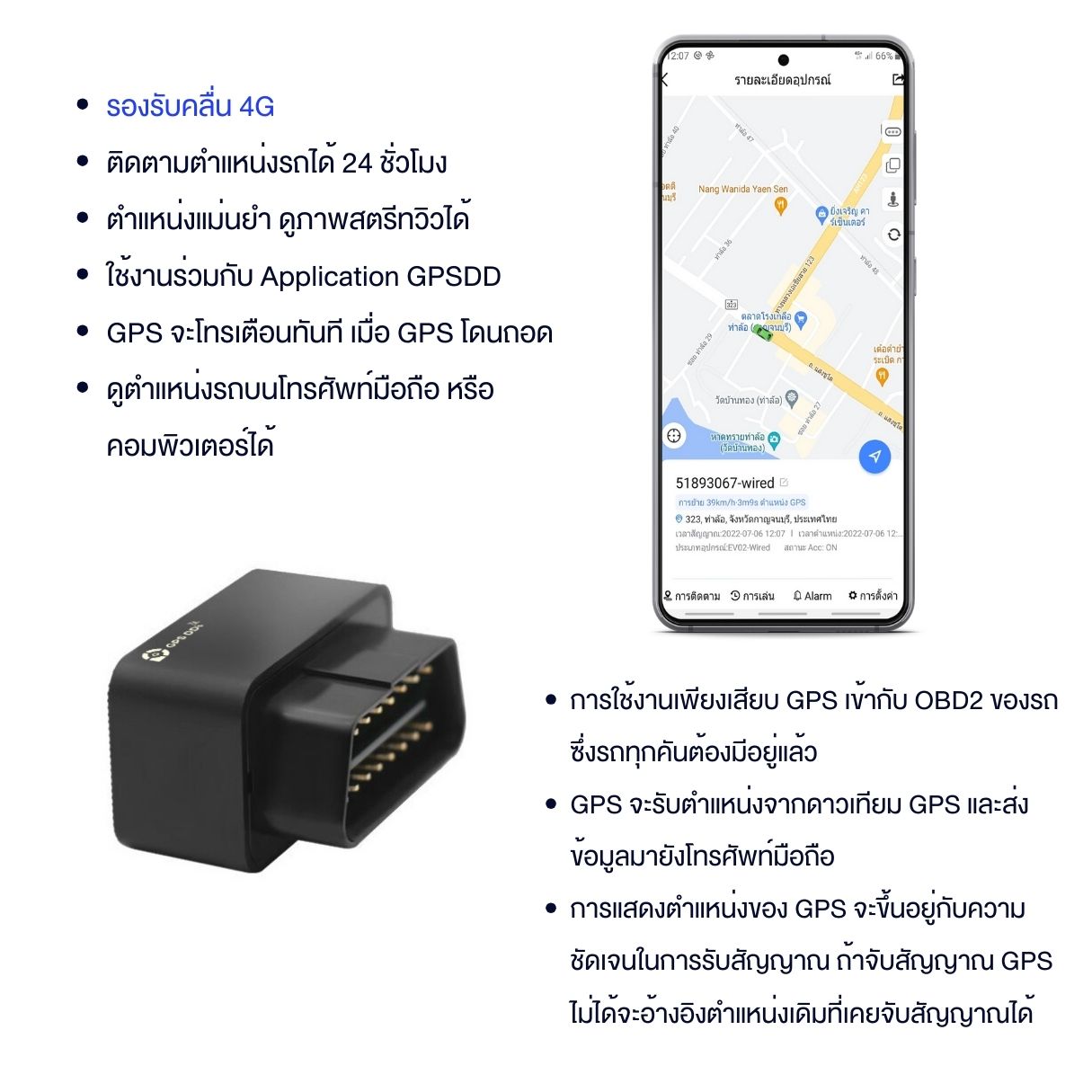
- Sends location data over 4G, with wider coverage than 2G, so you can see your vehicle anywhere in Thailand
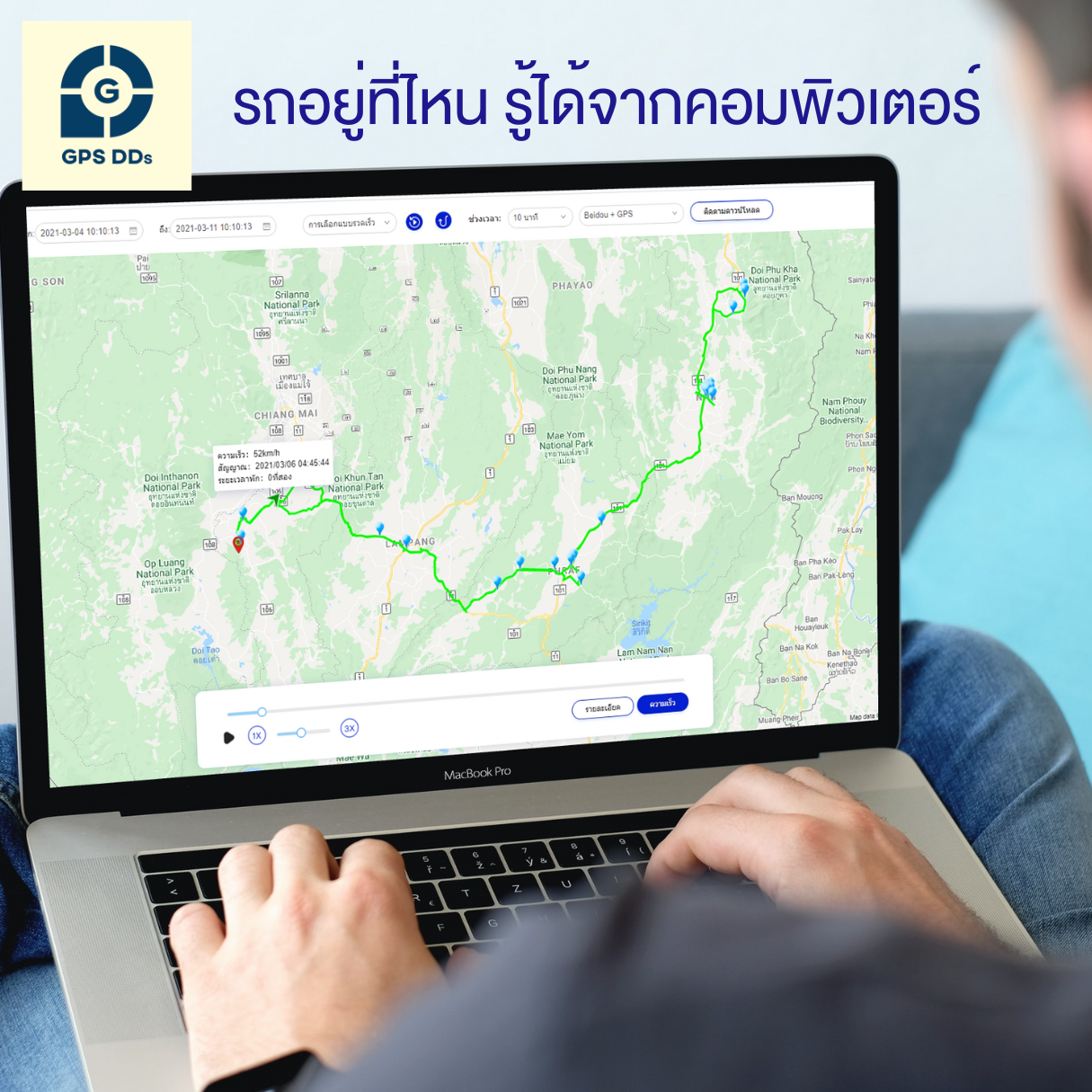
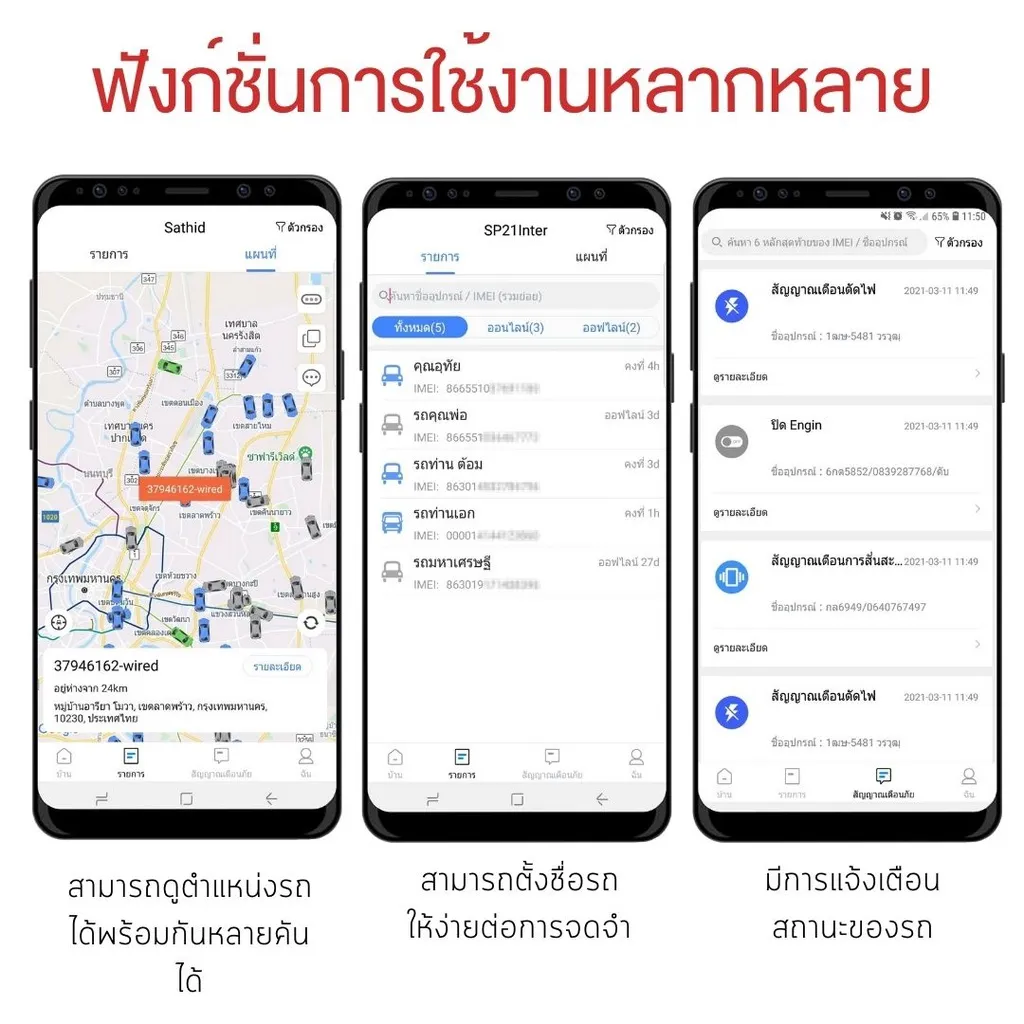
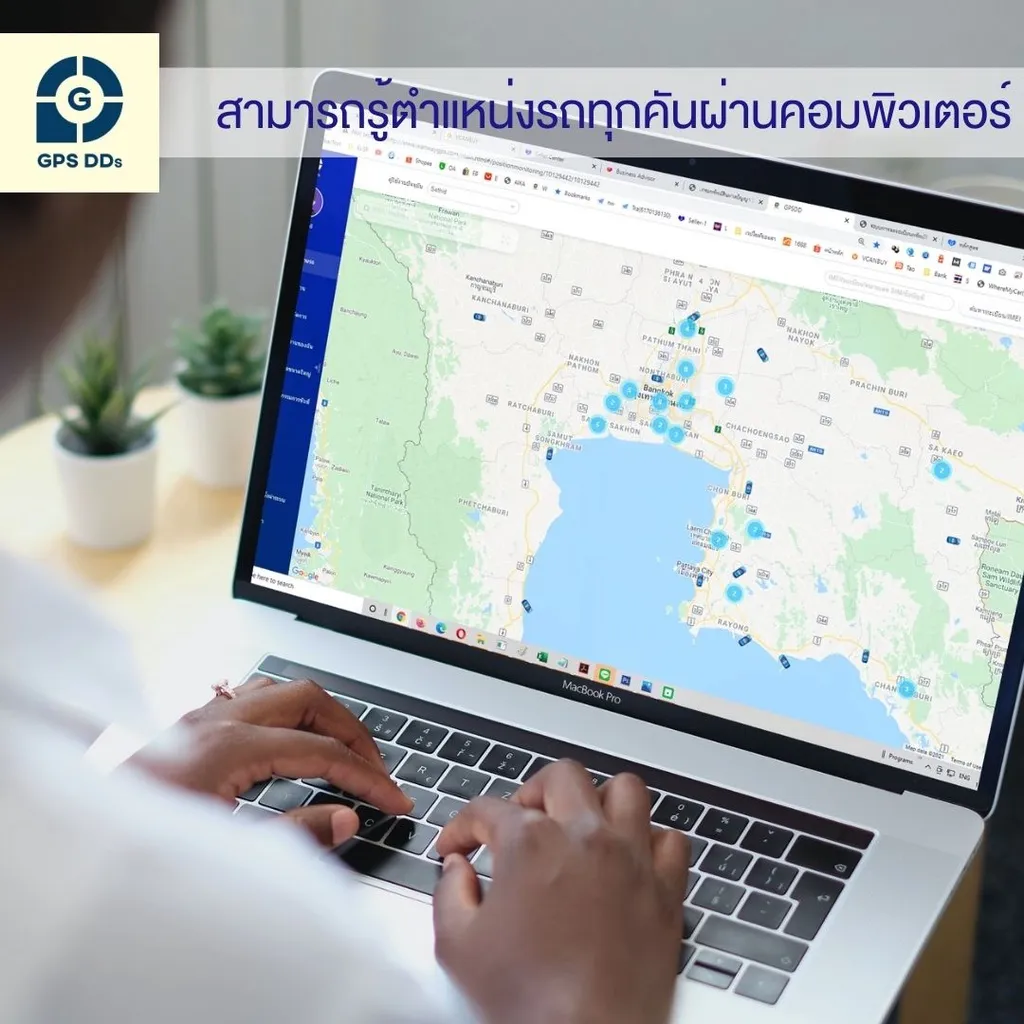
- Online vehicle location 24/7
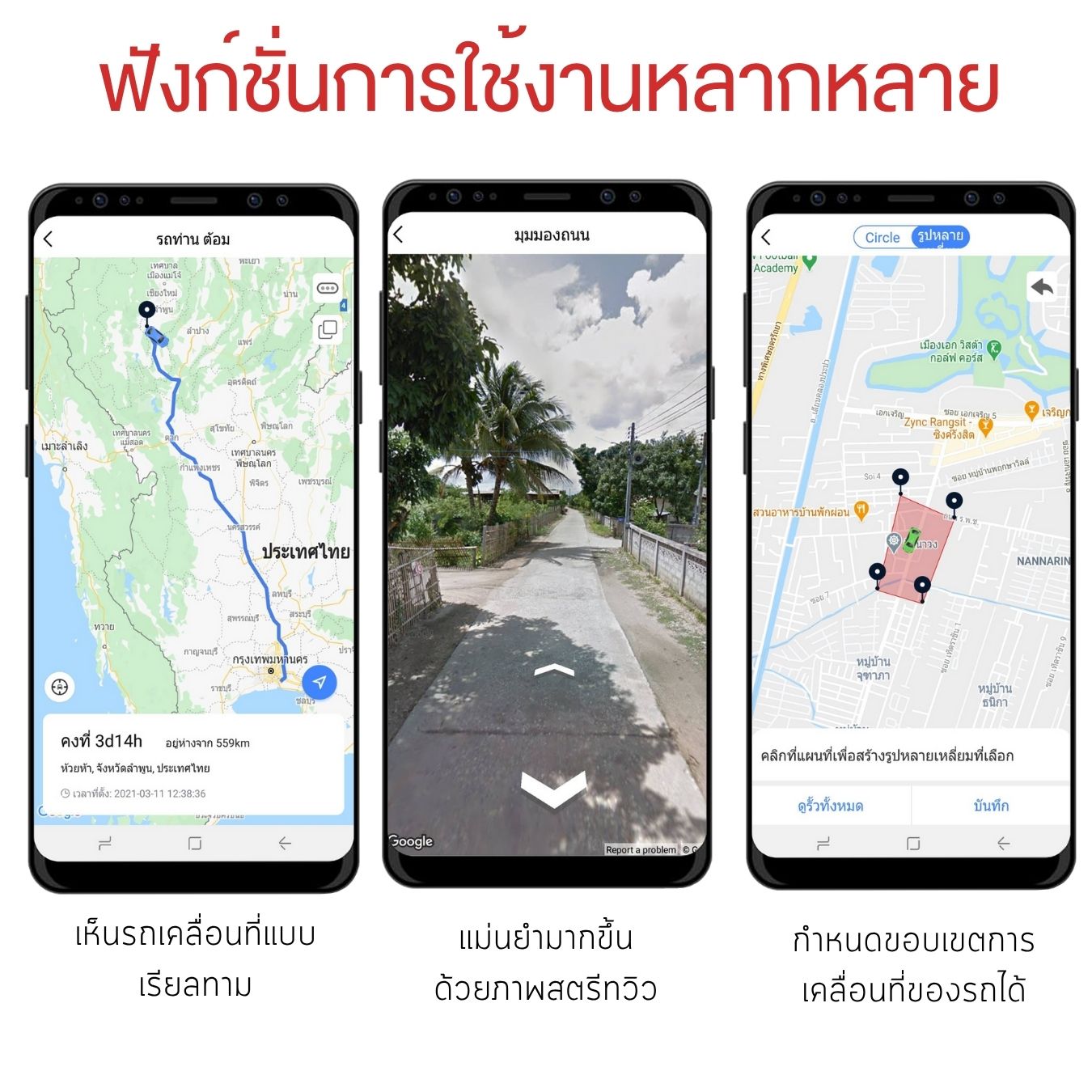
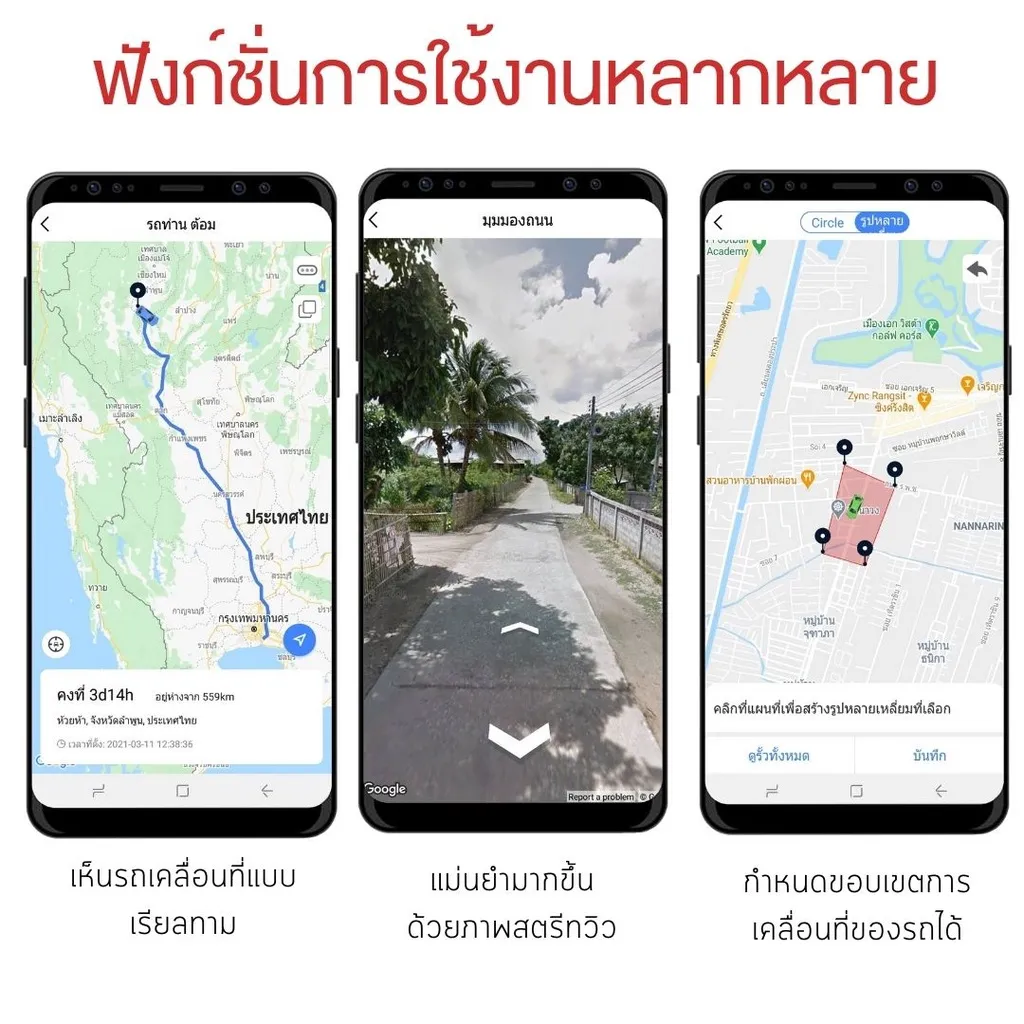
- Watch your vehicle move on the road in real time
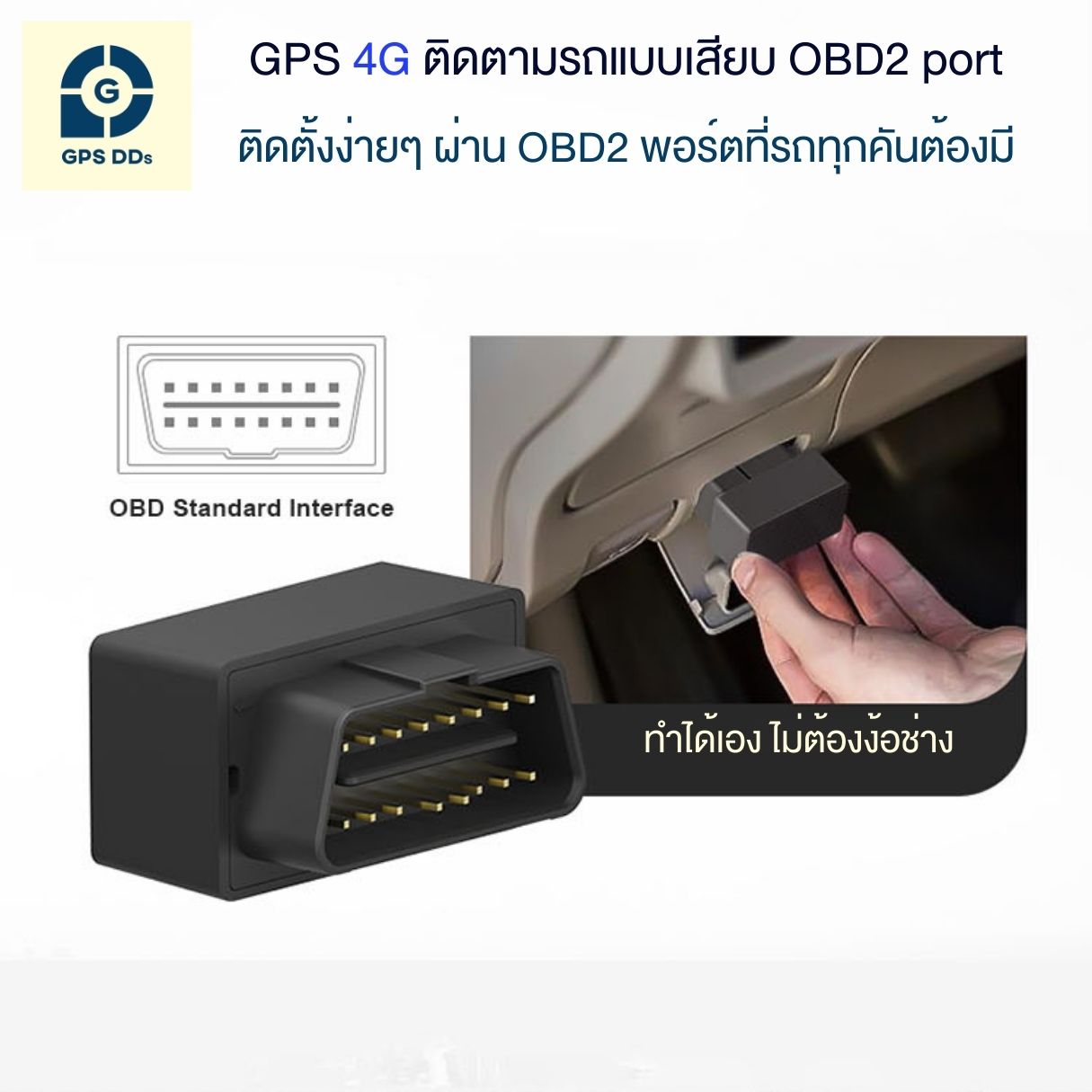
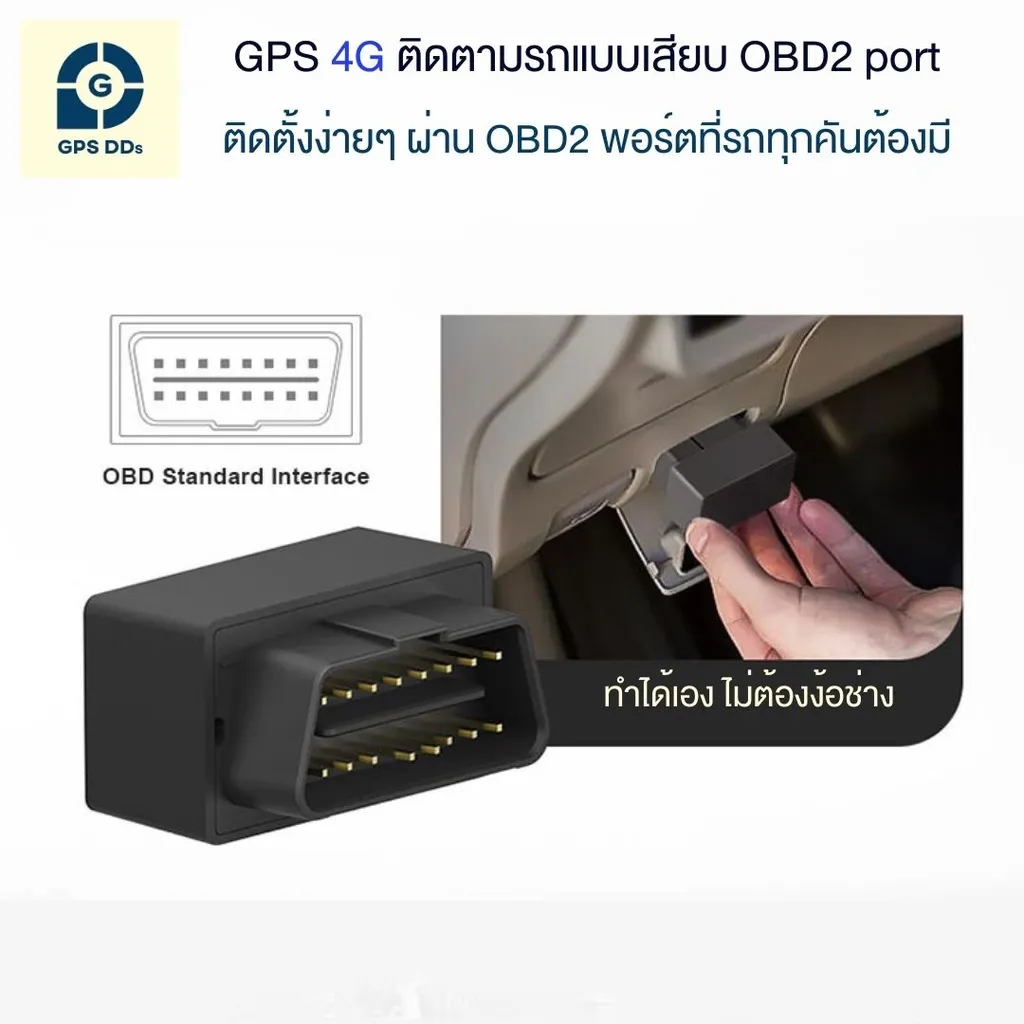
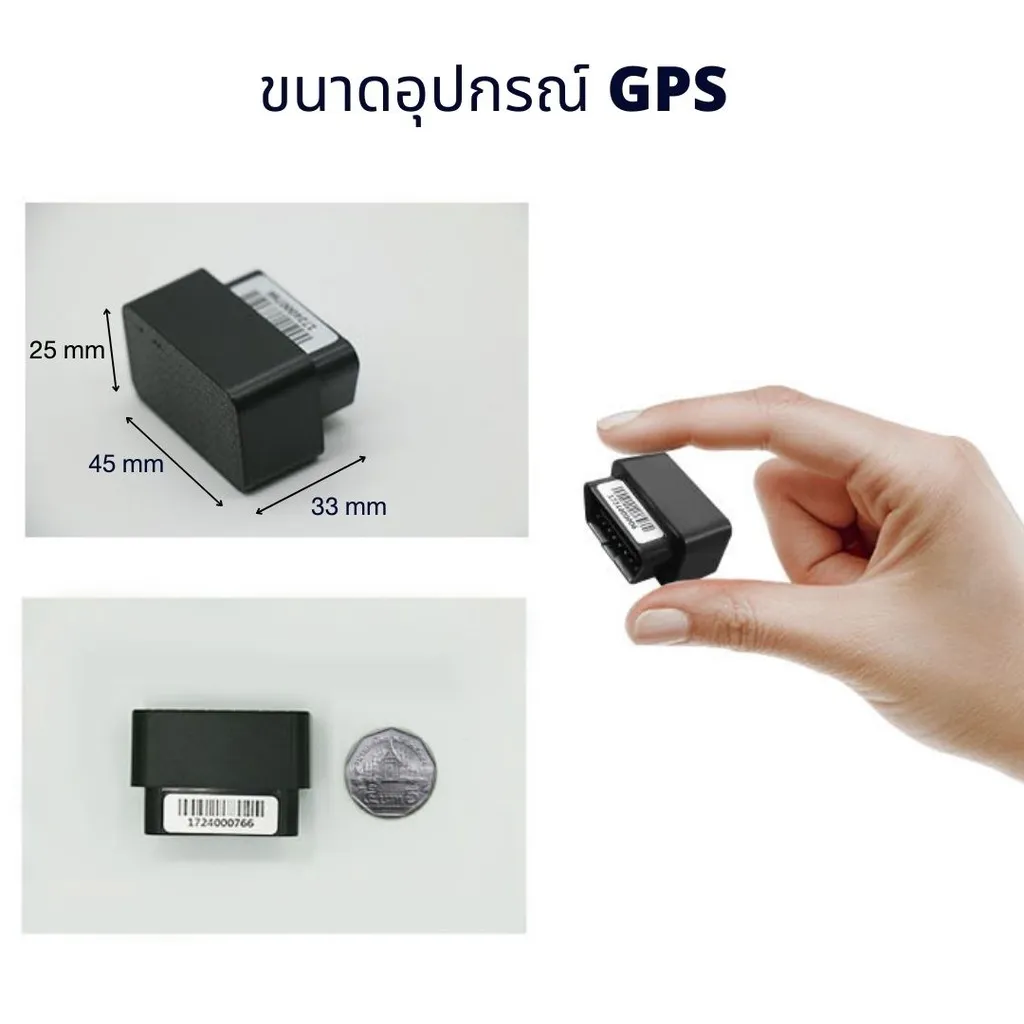
- The easiest install — anyone can do it
- Street View shows the street around where the vehicle is parked in 360°
- Set alerts when the vehicle leaves an area
- Set speeding alerts
- Links to Google Maps to take you to where the vehicle is parked
- Reliable server, free for the first year
- Comes with a warranty
- Video clips make it easy to understand
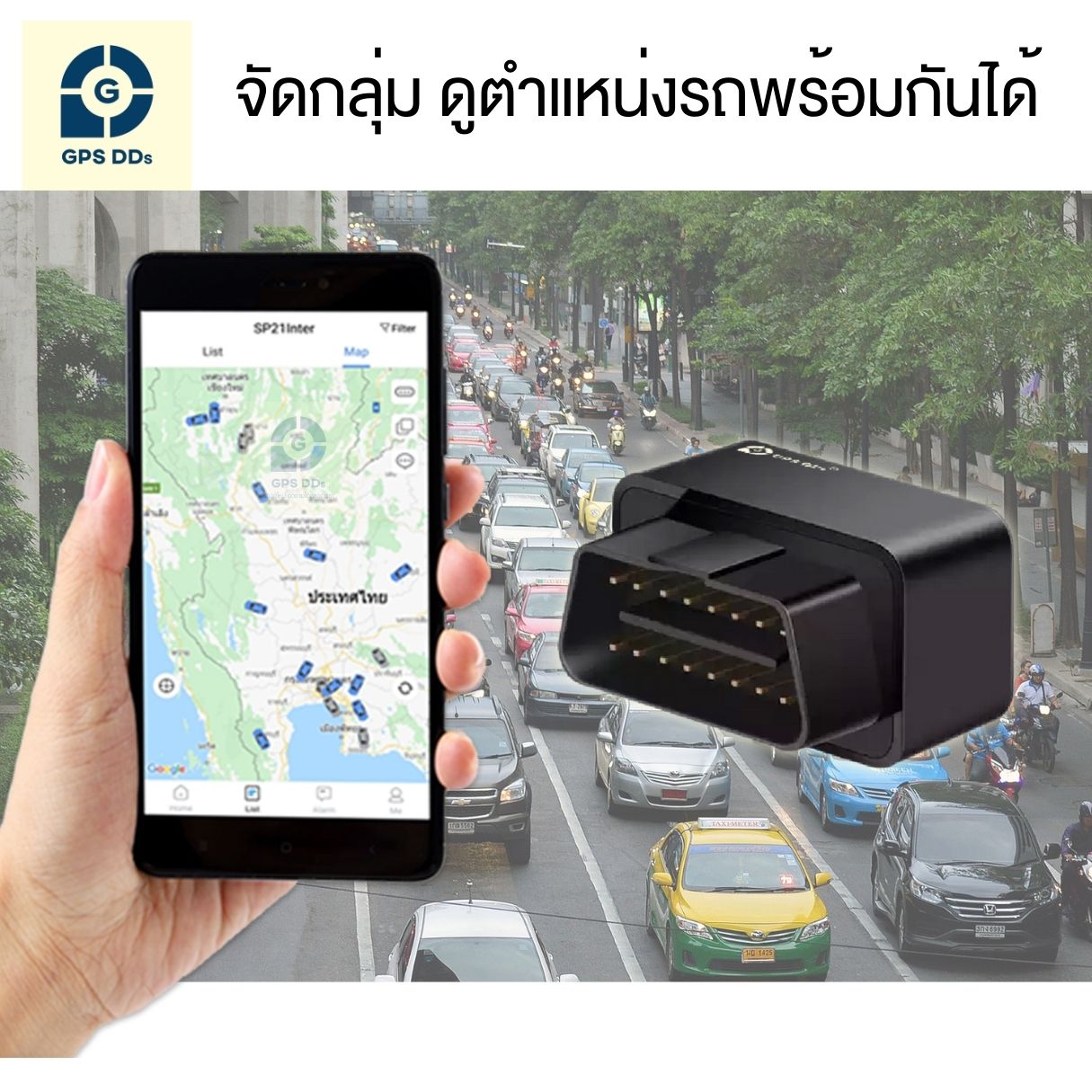
- Group vehicles to see several at once
- Great for car rental businesses
- Great for transport businesses
- Great for private cars whose owners want to know where they are
- No need to call around — see where the car is on your phone
- Fits all car models with an OBD2 port
Basic features of the GPS tracker
- 4G support — see your vehicle from anywhere in Thailand
- Shows the vehicle's current location in real time, 24/7
- 90 days of location history
- Shows the vehicle's speed while driving
- Fits all kinds of cars and pickups
- Links to Google Maps so you can navigate to the vehicle
- Clear vehicle location details and data
- Trip reports, such as when the vehicle was in use and when it was idle
- Driving behavior reports
- Export driving data to Excel for easy reporting
How to install the GDD400
- Insert a SIM card with an internet package into the GPS
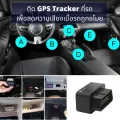
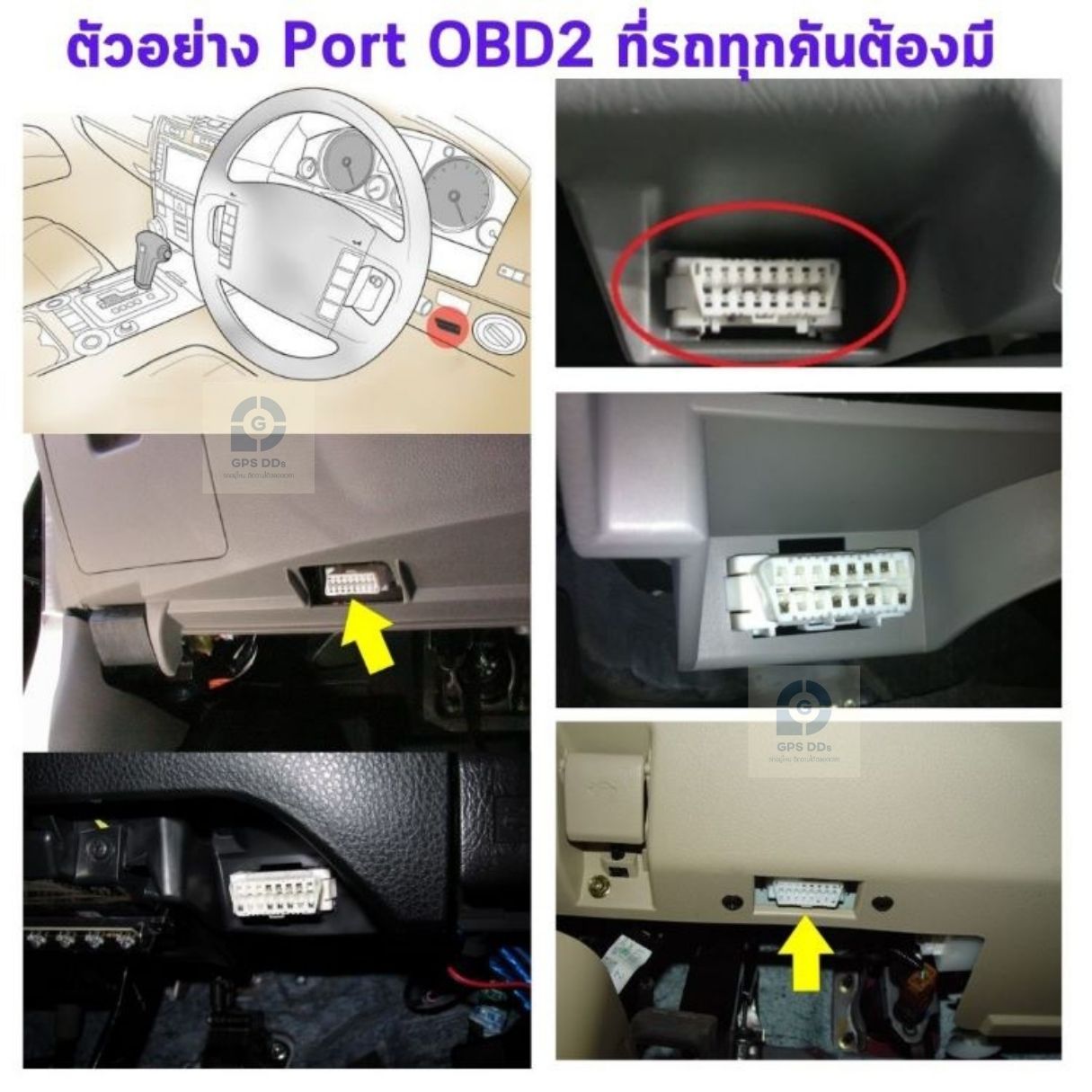
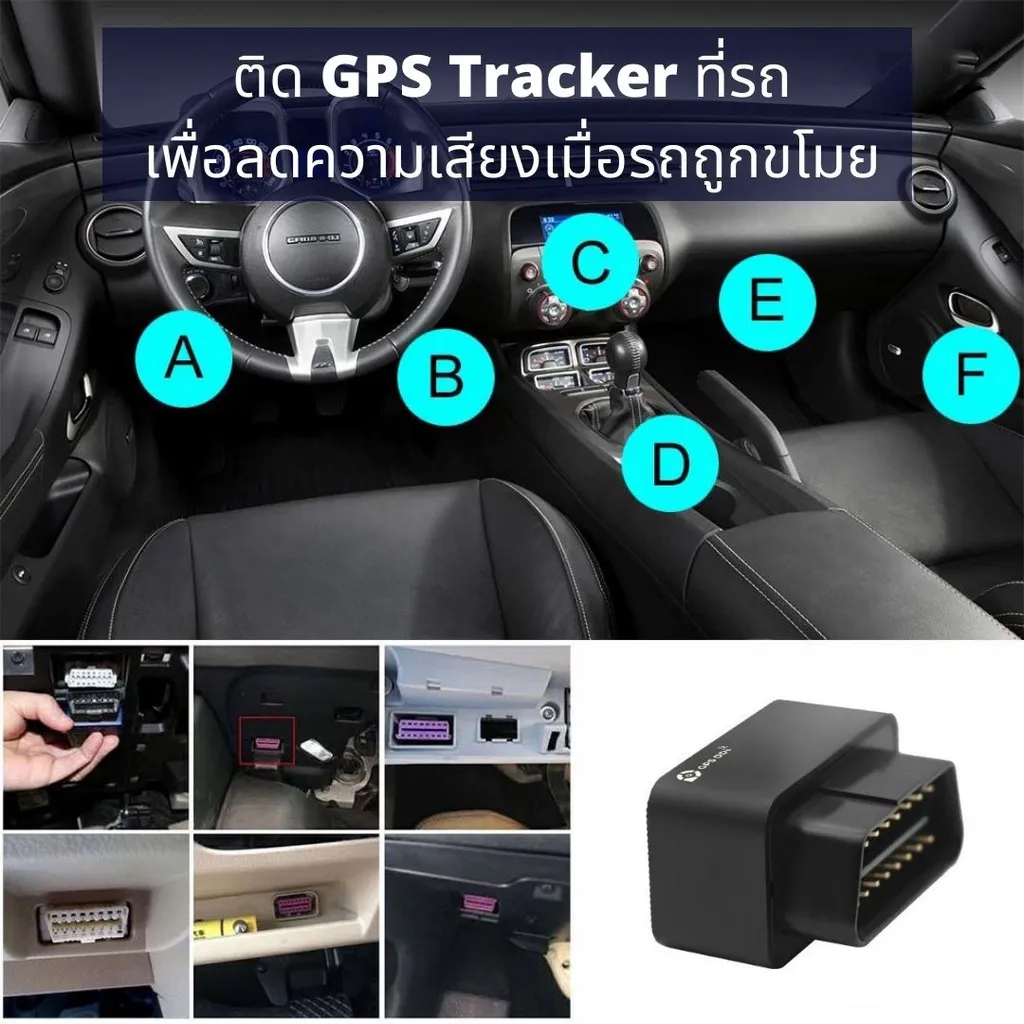
- Plug the device into the OBD2 port under the steering wheel (the same port mechanics use to check the engine)
- The status light comes on — the device is running. No wiring, no technician
- Open the GPSDD app, add the device using its ID number, and see the vehicle's location right away
Alerts
-
- Speeding alert
- Alert when the vehicle enters a set area
- Alert when the vehicle leaves a set area
- Alert if the GPS is removed
- Accessories
- OBD2 extension cable (sold separately)
📍 Read more (in Thai): Where is the OBD2 port? How to find the GPS socket in your car
Warranty terms
- 🛡️ 6-month warranty • Replacement within 7 days for manufacturing defects
Please read the usage and warranty terms for your own benefit


Are there costs after purchase?
The tracking app is free for the first year, then 250 baht/year · SIM service is charged separately, depending on the package you choose
Related products
-
Sale 34.89932885906%
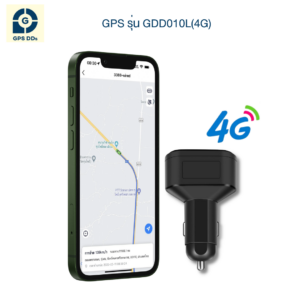
GDD010L (4G) Vehicle GPS Tracker — 12V Socket Plug, Charges Your Phone
Price range: 900 ฿ through 970 ฿ Select options This product has multiple variants. The options may be chosen on the product page -
Sale 53.020134228188%
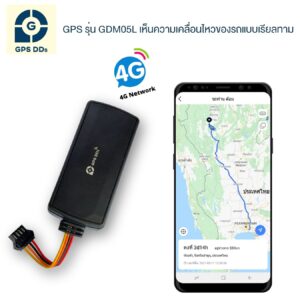
GDM05L (4G) Vehicle GPS Tracker — Budget-Friendly, Remote Engine Cut-Off
Price range: 650 ฿ through 700 ฿ Select options This product has multiple variants. The options may be chosen on the product page -
Sale 37.716262975779%
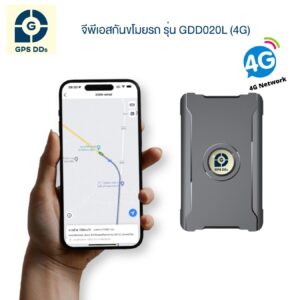
GDDs20L Vehicle GPS Tracker — Long Battery Life, No Wiring
Price range: 1,750 ฿ through 1,800 ฿ Select options This product has multiple variants. The options may be chosen on the product page -
Sale 52.513966480447%
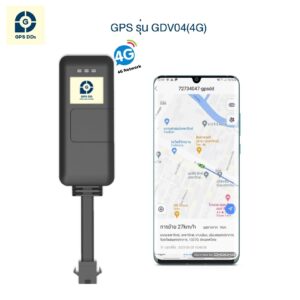
GDV04 (4G) Vehicle GPS Tracker — With Relay, Starter & Fuel Cut-Off
Price range: 800 ฿ through 850 ฿ Select options This product has multiple variants. The options may be chosen on the product page