
GPSDD User Guide
📍 How to install your GPS and user guide
Choose your model to watch step-by-step videos
3 ways to install a GPS
Find out which type your GPS is, then tap to see the steps. Videos for each model are below.
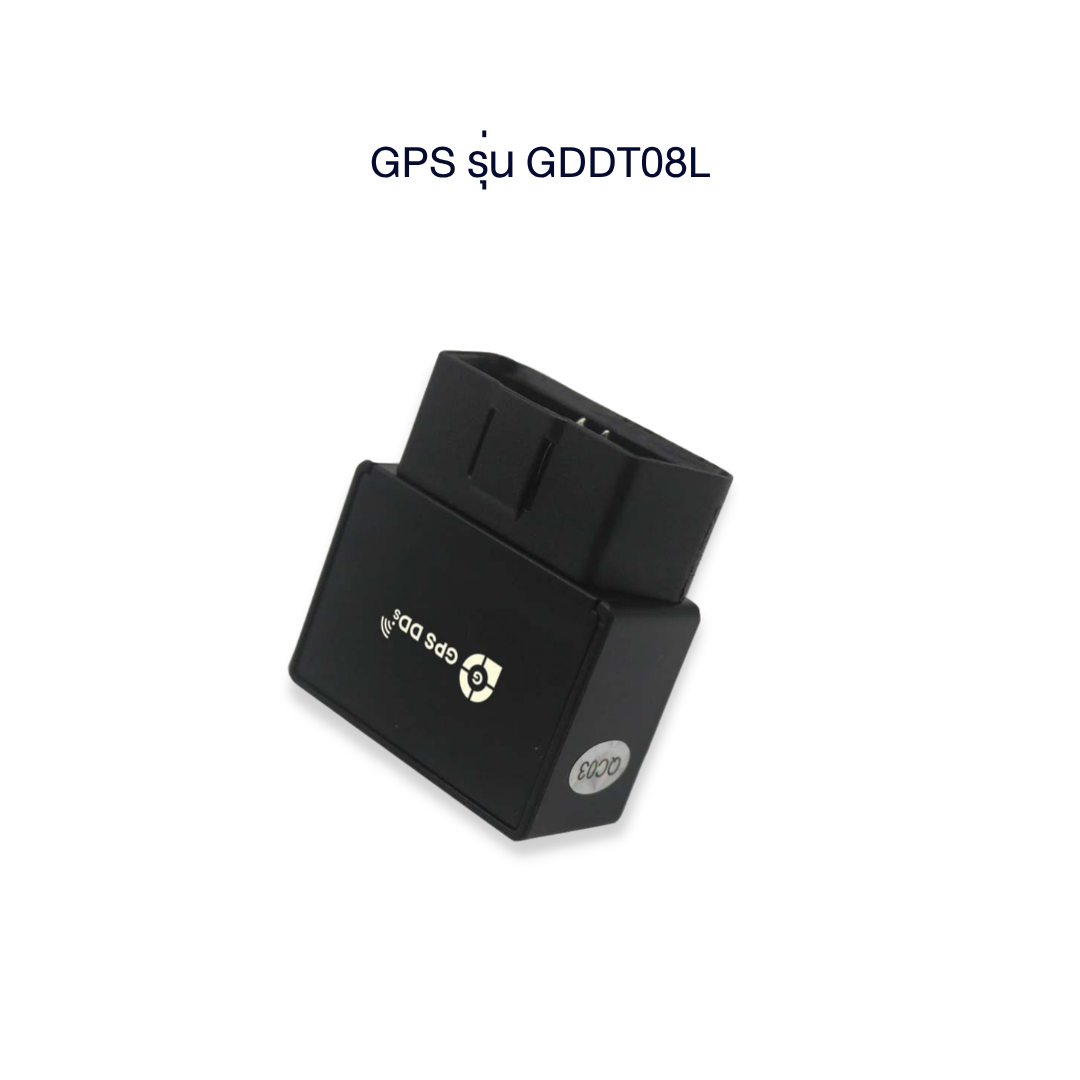
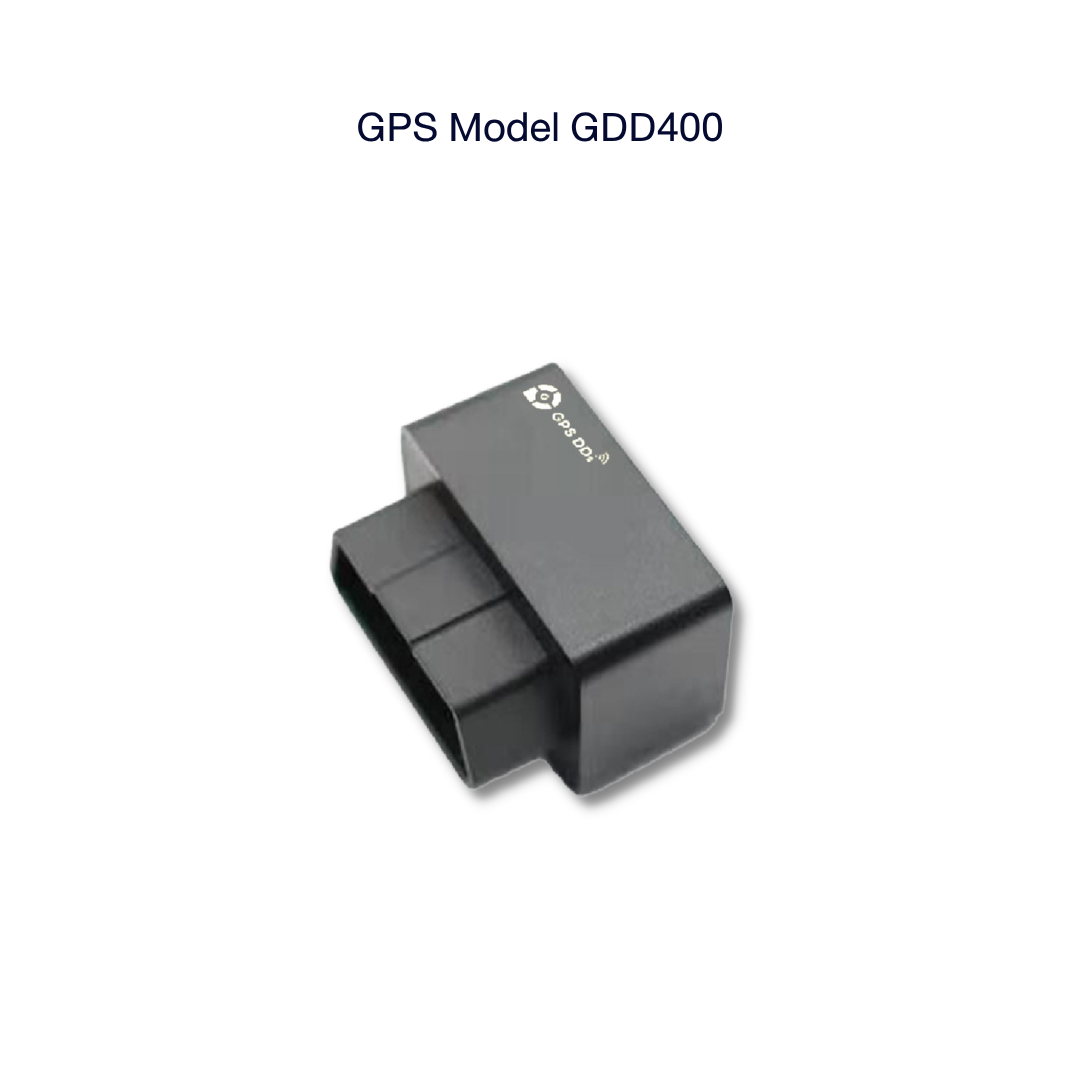
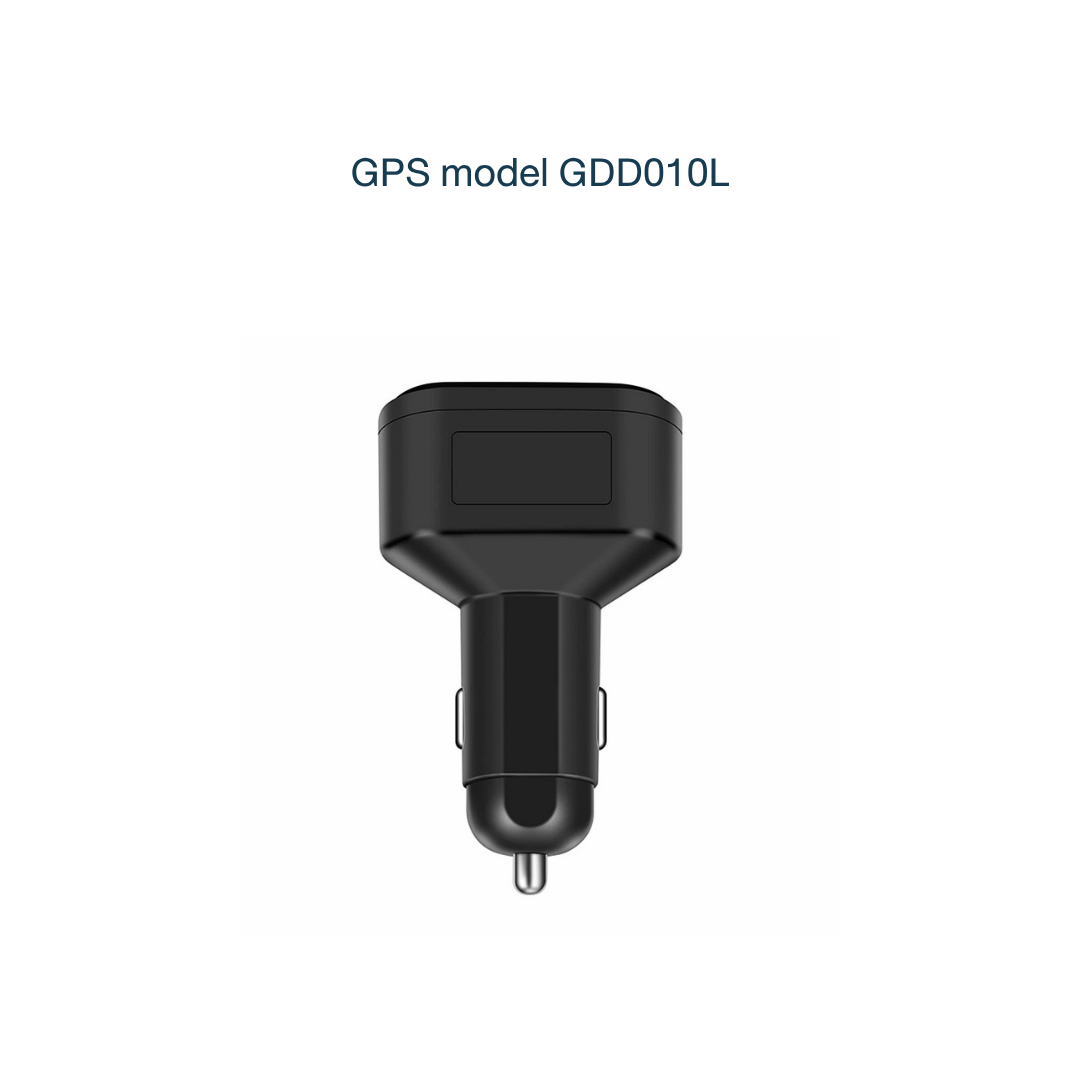
1. Plug and Play GPSGDD010L · GDD400 · GDDT08L
- Insert the SIM (if you bought it without a SIM, use a GPS-compatible SIM only)
- Plug it into the OBD2 port or the 12V socket in your car
- Open the app to see your vehicle's location
2. Portable GPSGDD030L · GDD06L · GDDs20L
- Fully charge the battery with the supplied cable
- Insert the SIM (if you bought it without a SIM, use a GPS-compatible SIM only)
- Place or fix it in the vehicle — no wiring
3. GPS hardwired to vehicle powerGDD28s · GDM05L · GDDT02L · GDV04 · GDD070L
All models use the same wire colors. Connect just thered and black wires and the GPS works. The orange and yellow wires are optional. The box includes a power cable and clip leads for testing.
| Red wire | positive (+) with permanent powerrequired |
| Black wire | negative (−) to the vehicle bodyrequired |
| Orange wire | ACC — connect it to know whether the engine is on or offoptional |
| Yellow wire | to the relay coil, for engine or starter cut-off. Leave it unconnected if you don't need this functionoptional |
- Use a circuit tester pen to find the matching wire in your vehicle
- Test with the clip leads first, and only make the final connection once the GPS works normally
- Not confident? Take it to a car accessory shop near you, or ask our admin about installers in your area
🎒 Portable (no installation)
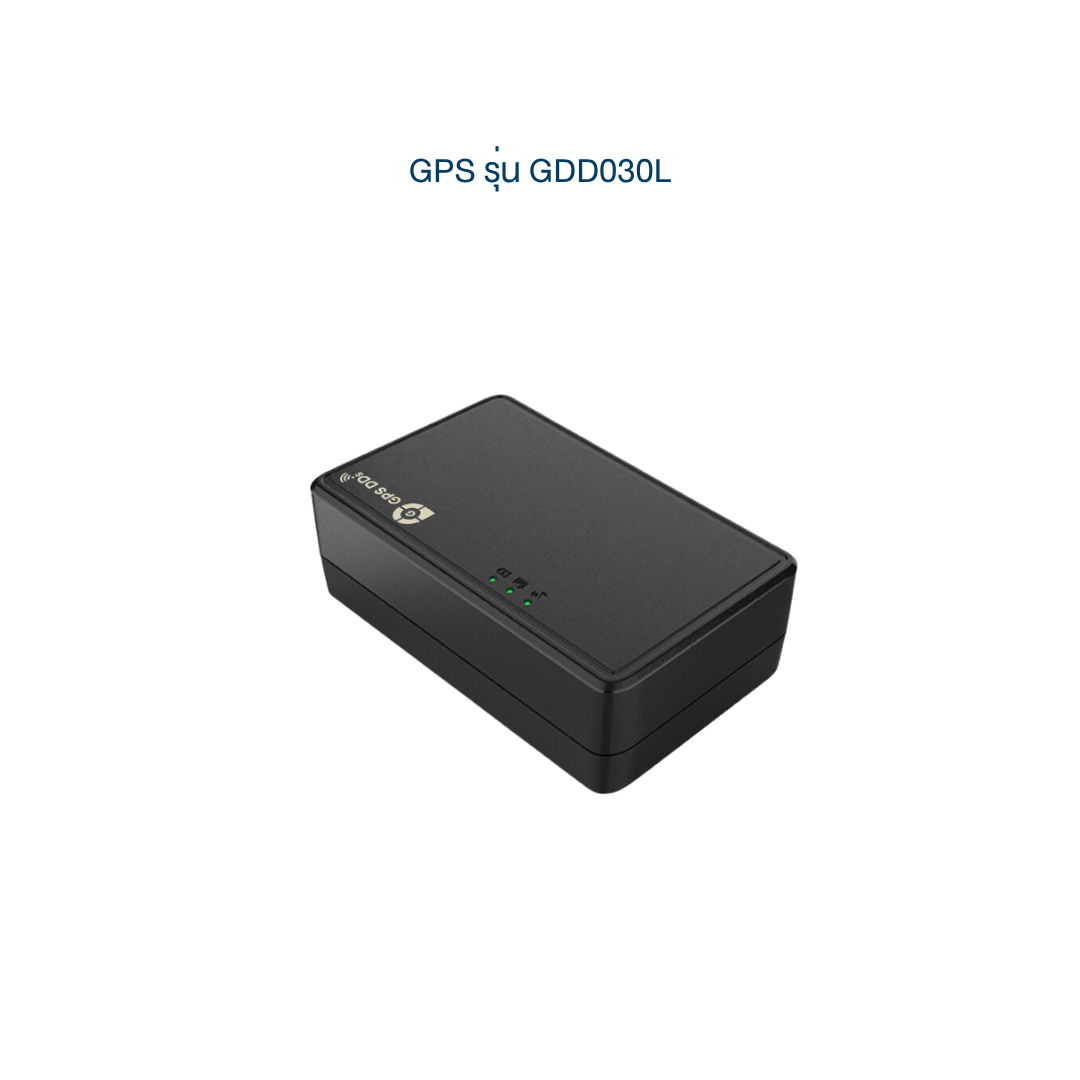
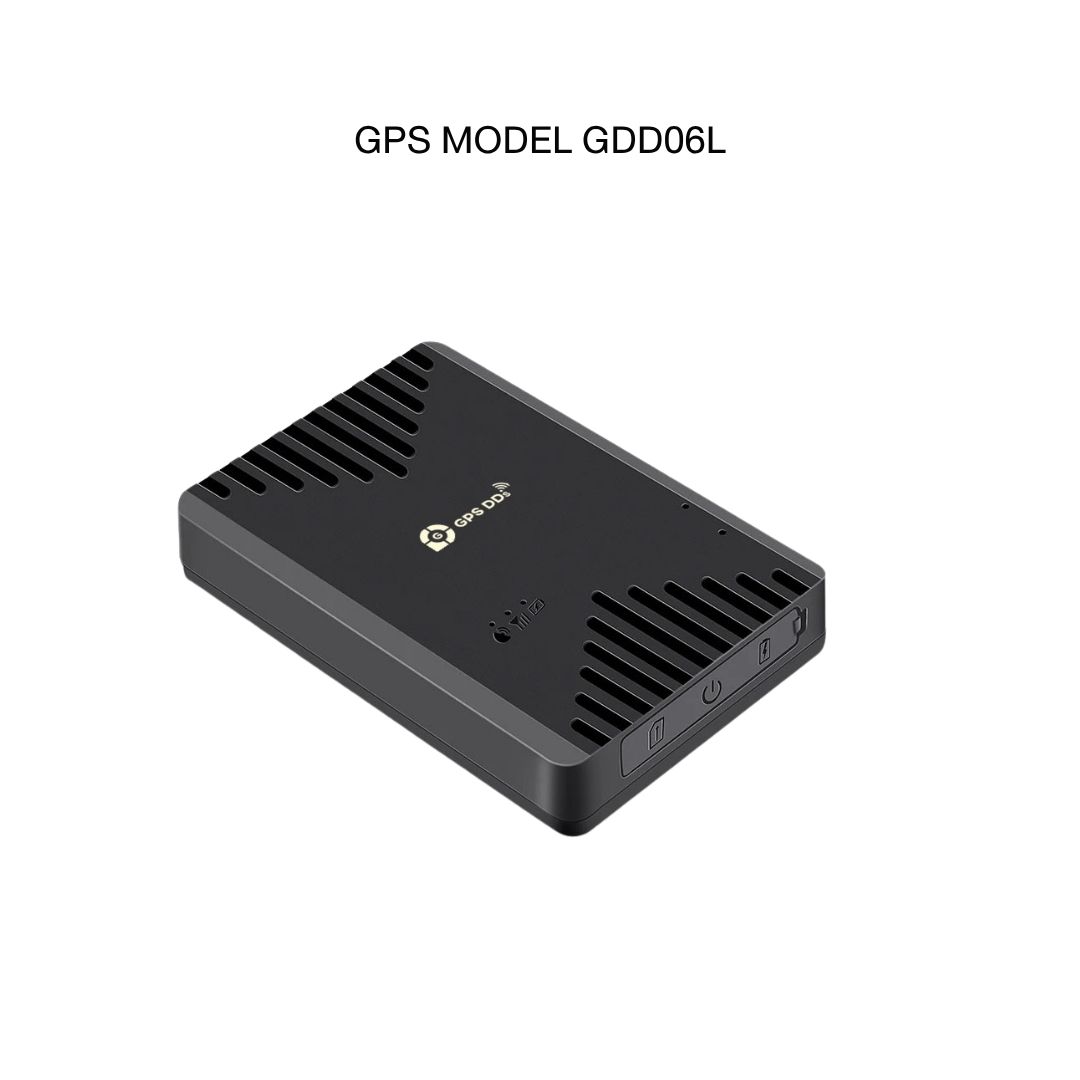
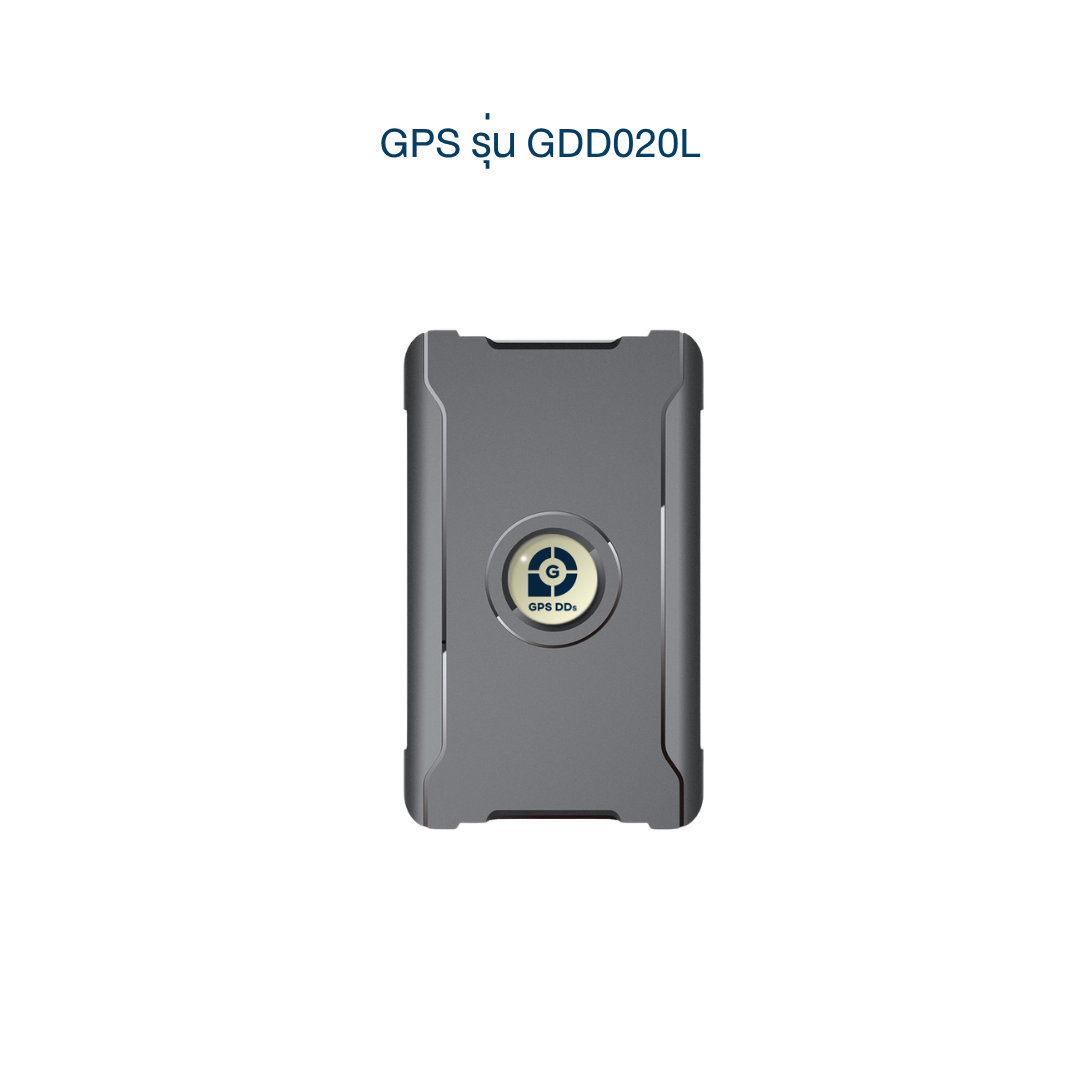
🚗 Wired installation in the vehicle
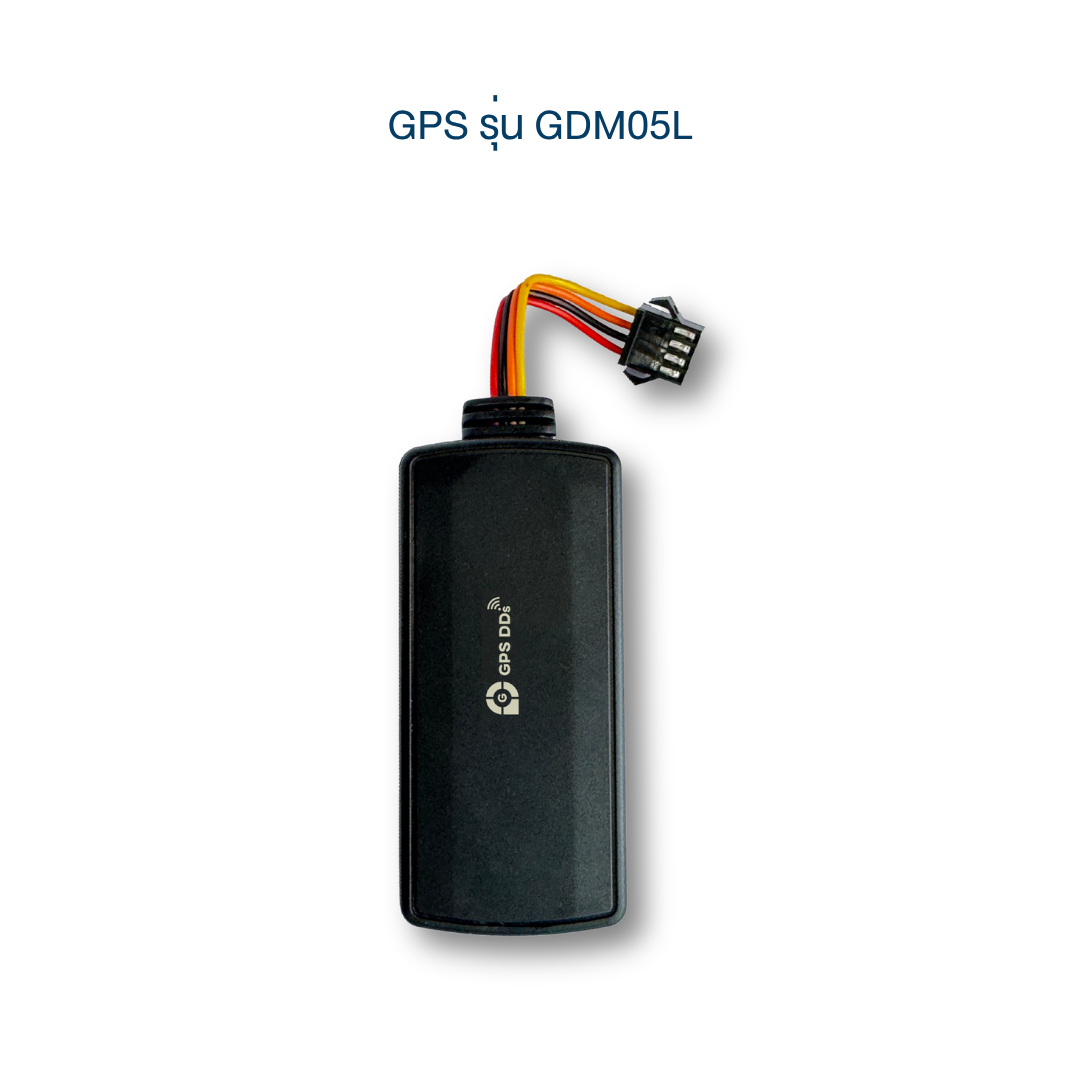 GDM05LInstalled inside the vehicleWatch the video guide (Thai)
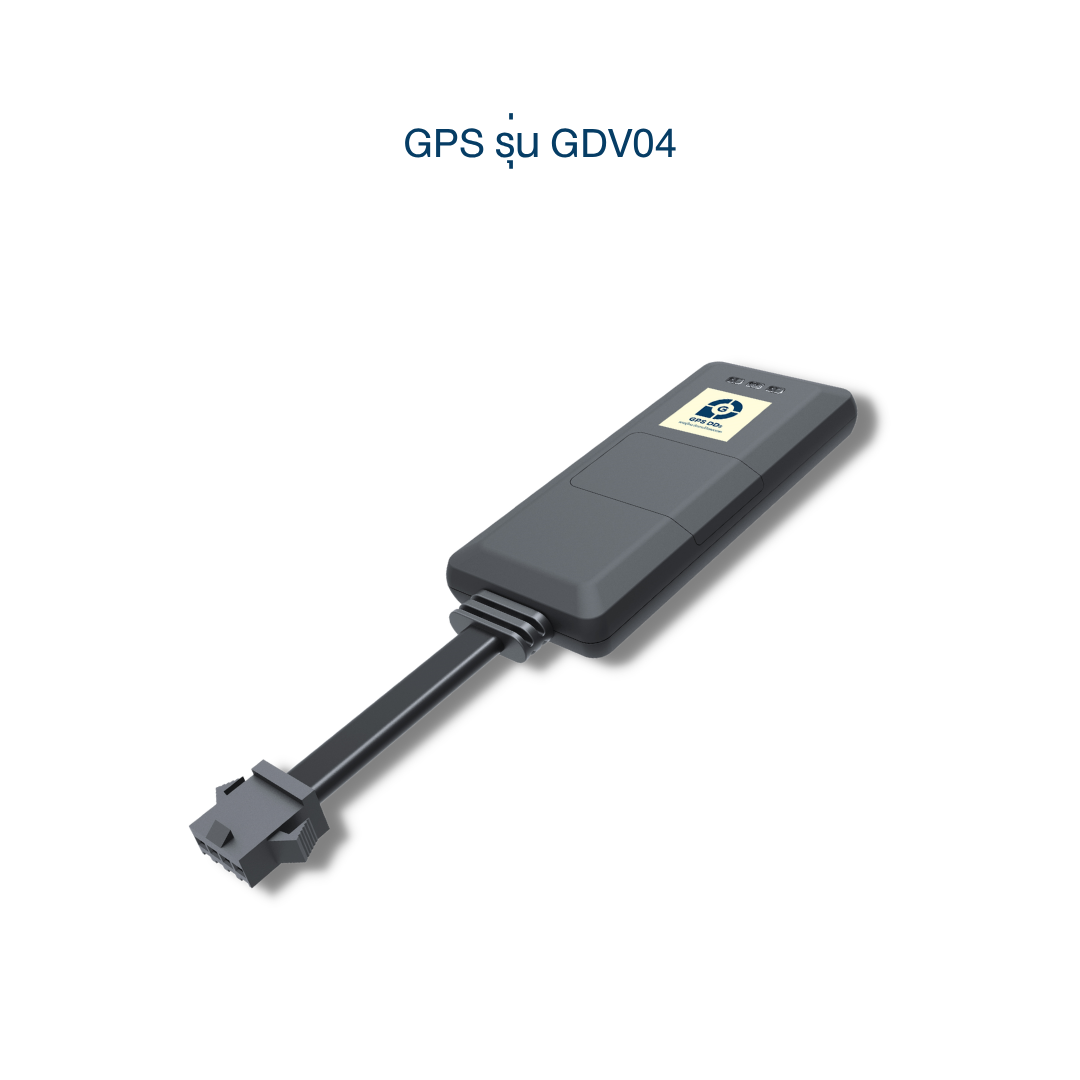 GDV04Installed inside the vehicleWatch the video guide (Thai)
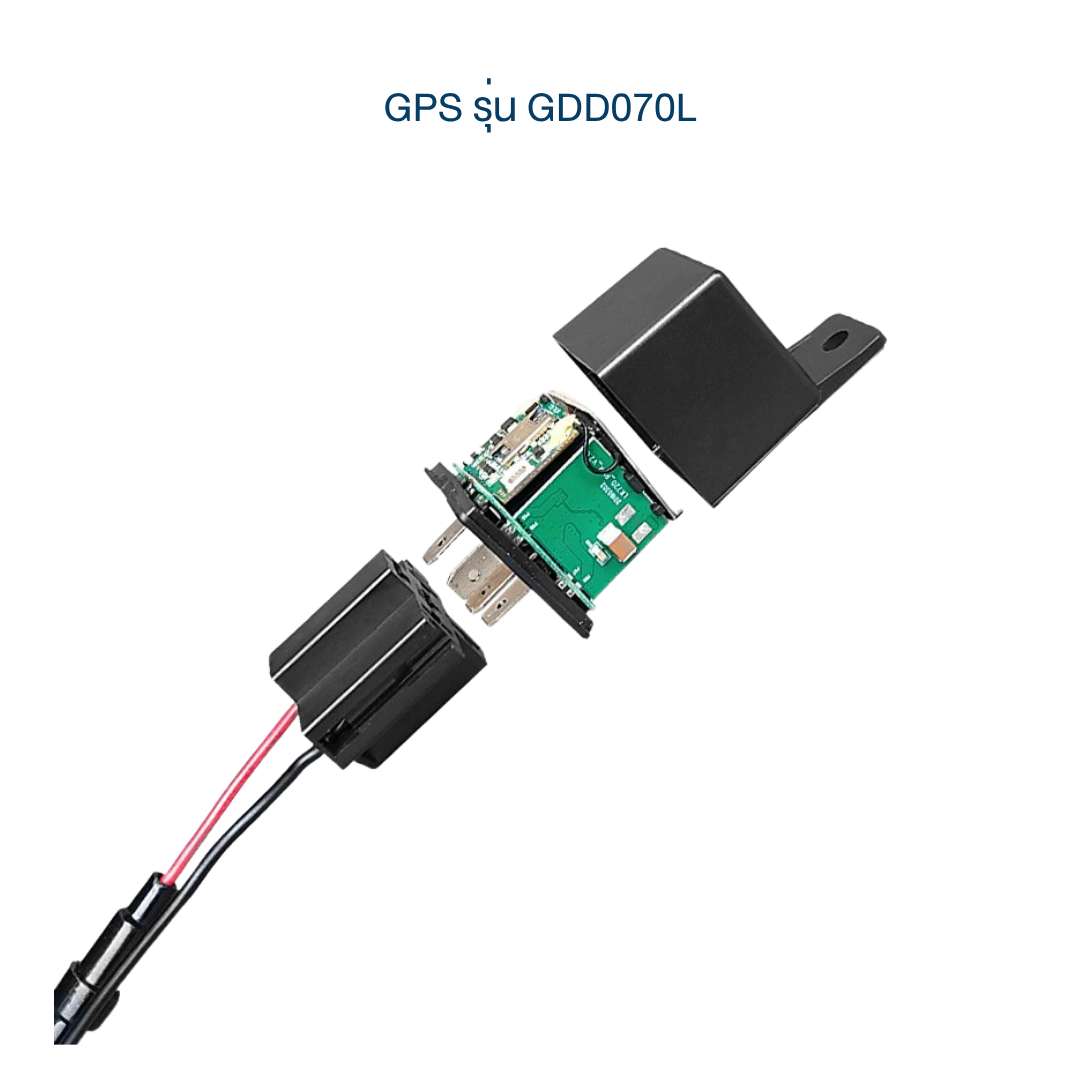 GDD070LInstalled inside the vehicle (relay-style)Watch the video guide (Thai)
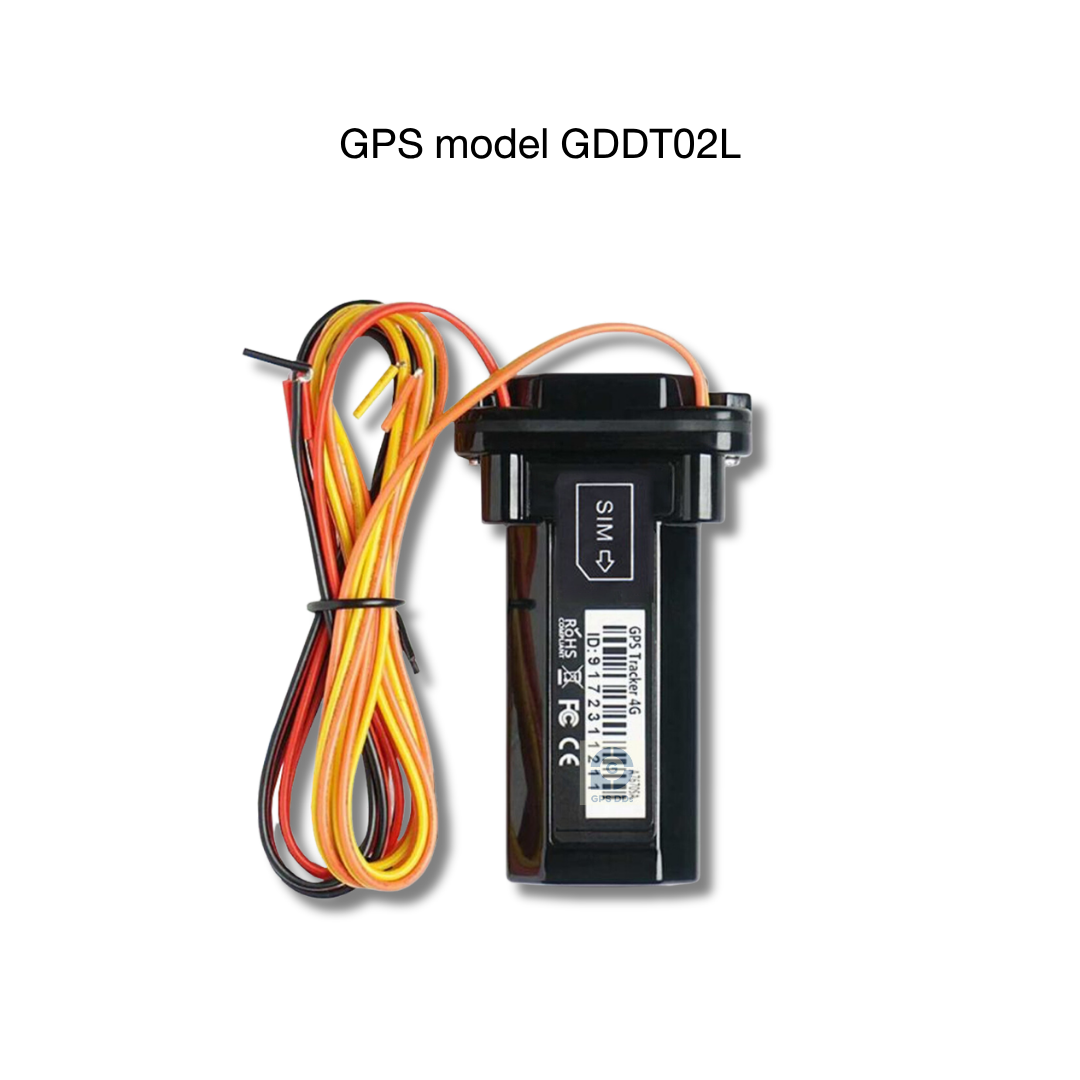 GDDT02LInstalled inside the vehicleWatch the video guide (Thai)
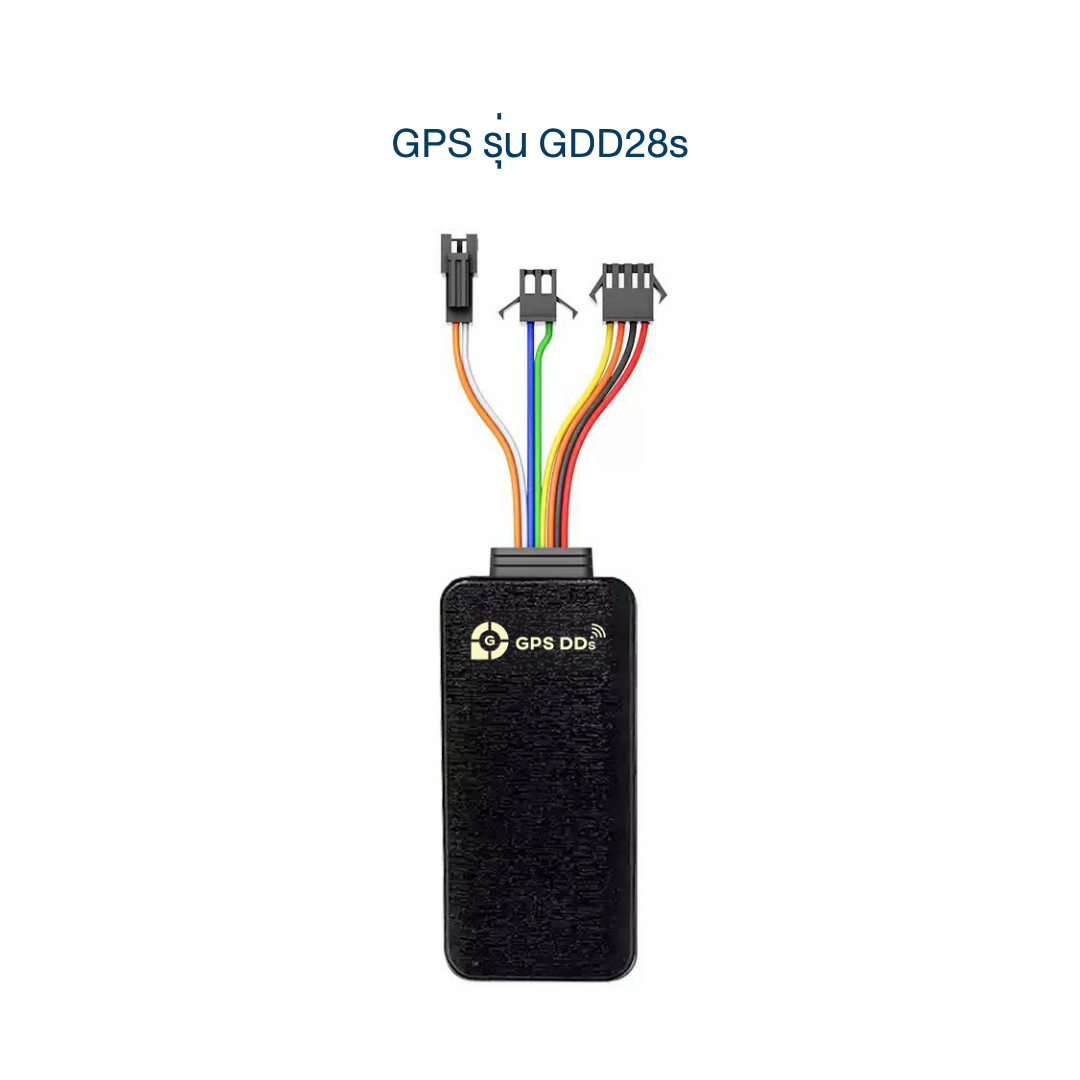 GDD28sInstalled inside the vehicleWatch the video guide (Thai)
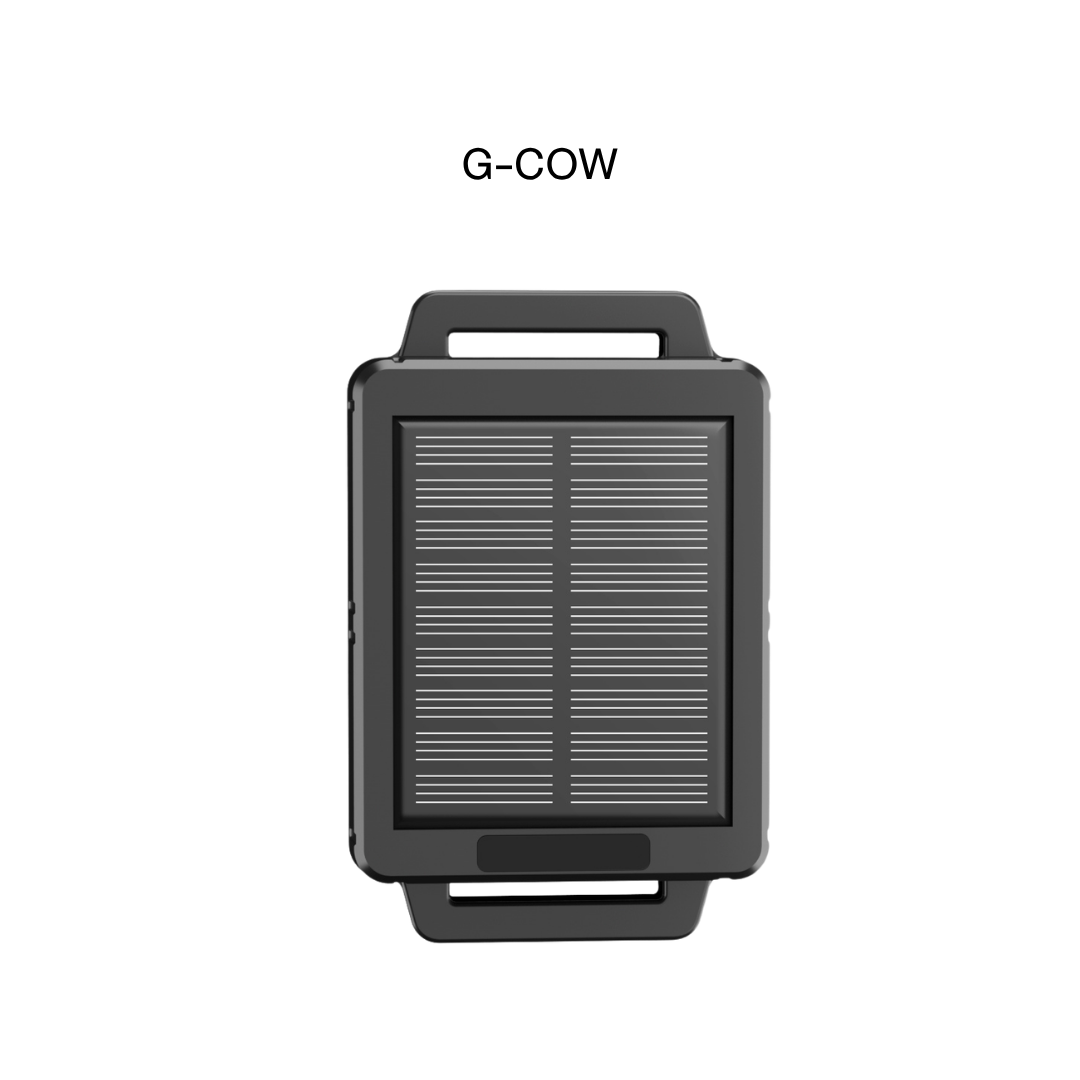
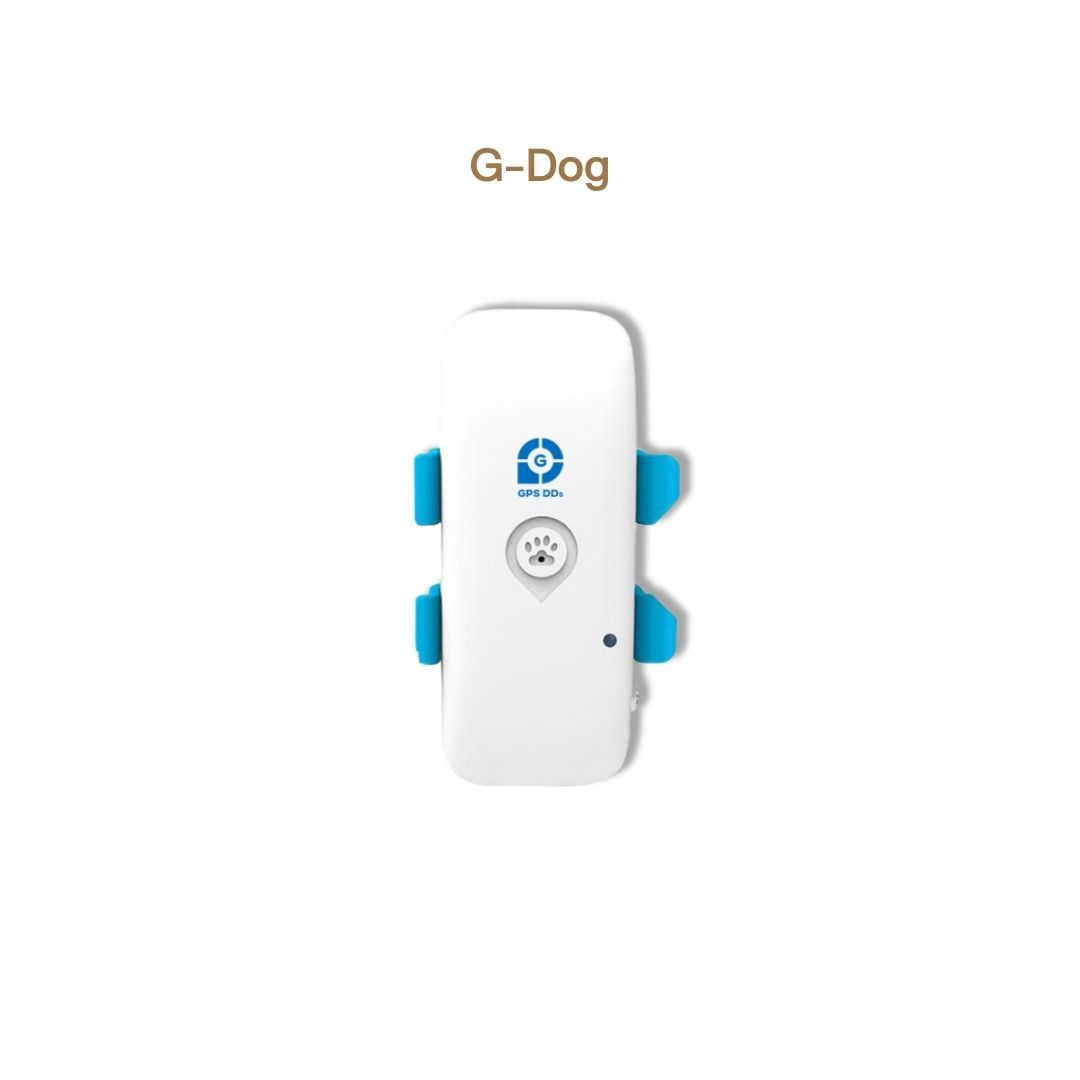
🐾 For animals
🔌 OBD2 port in cars
🔌 12V socket in the car
Can't find your model, or still stuck after watching the video? Message our admin any time.