


Highlights and features
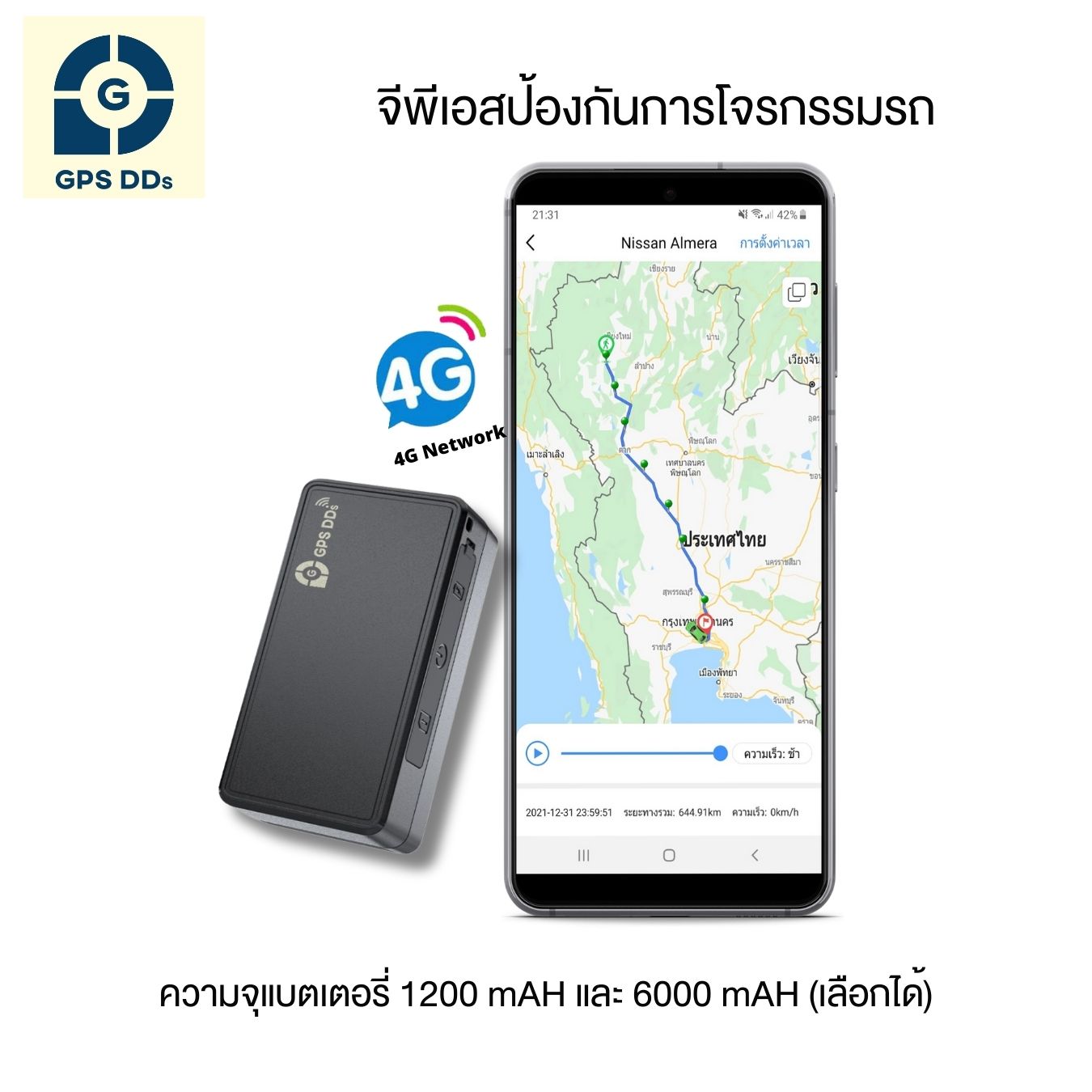
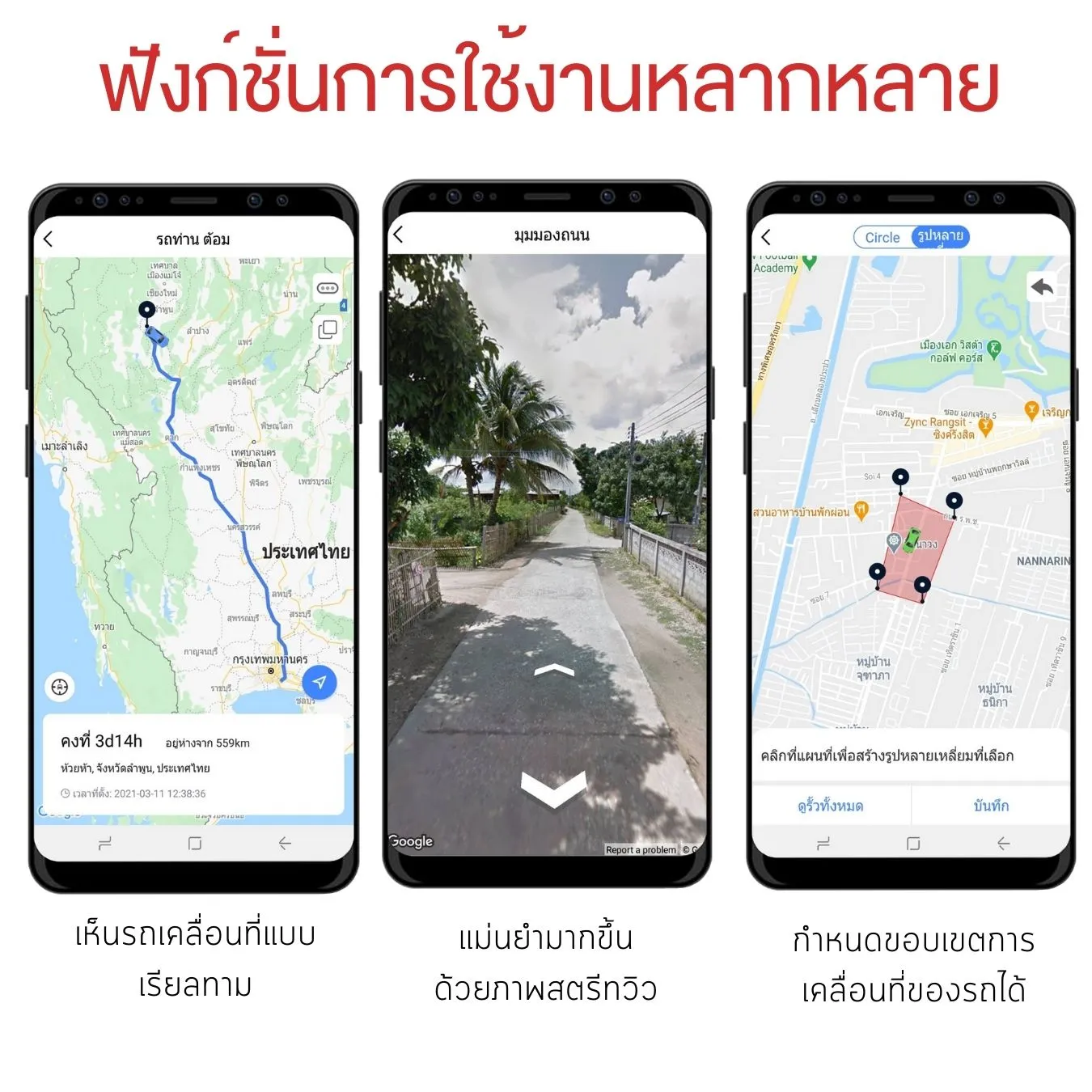
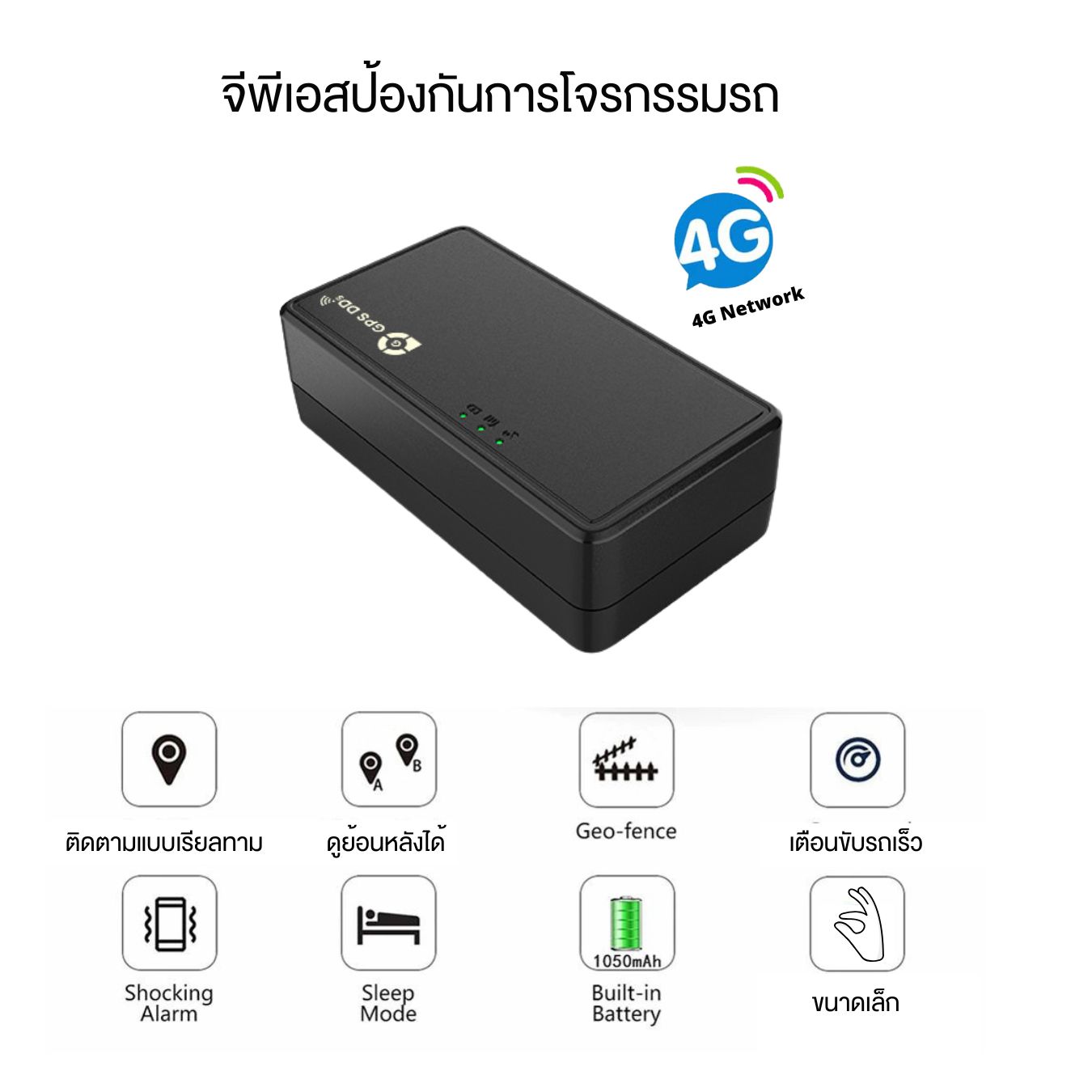
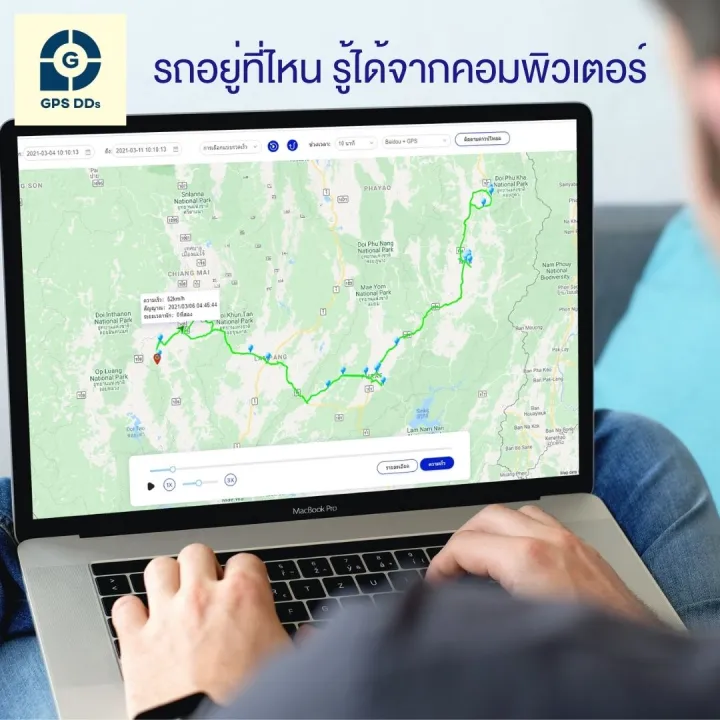
- Live tracking 24/7: location shown on Google Maps and updated every 30 seconds, in the GPSDD app and on the website
- Full 4G LTE support: SIMCom A7670E module covering all major Thai networks, for accurate positioning even at speed
- Power-saving mode (Smart Sleep): when the vehicle is parked with the engine off it switches to battery-saving mode automatically, and wakes to report its location as soon as it moves
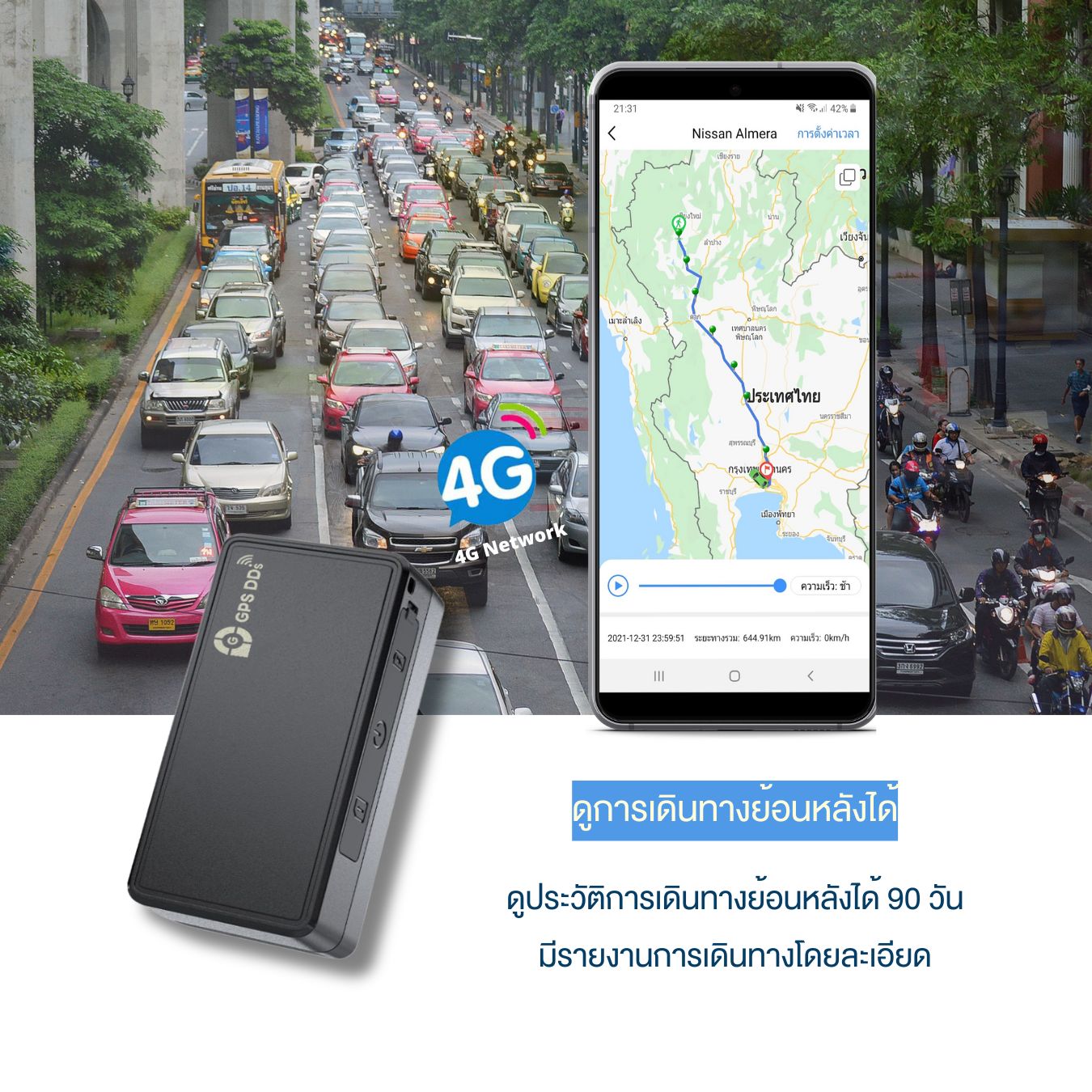
- Trip history: 15 days in the app / up to 90 days on the website, with Excel export
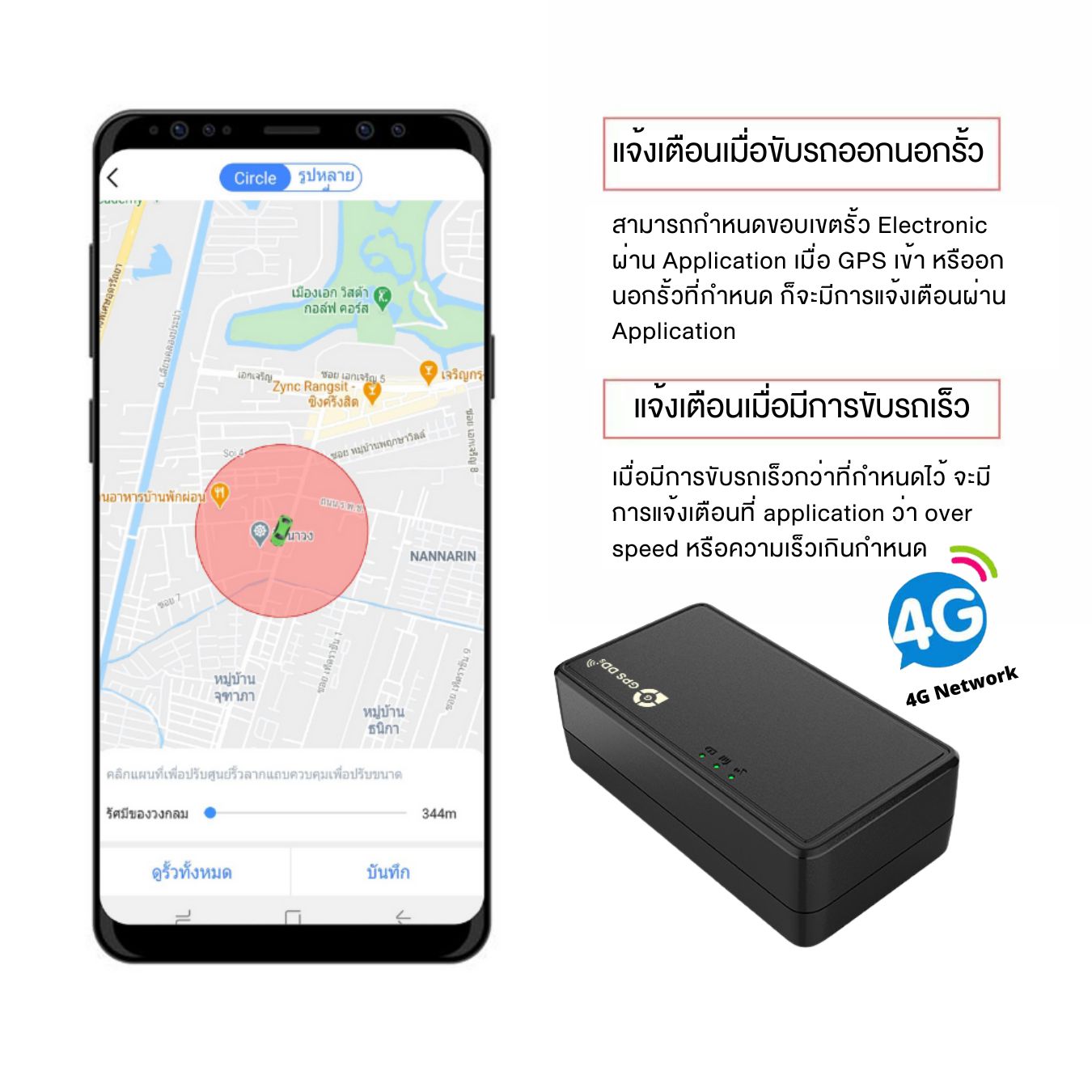
- Smart alerts: Speeding alerts and geofences — get notified in the GPSDD app when the vehicle enters or leaves an area
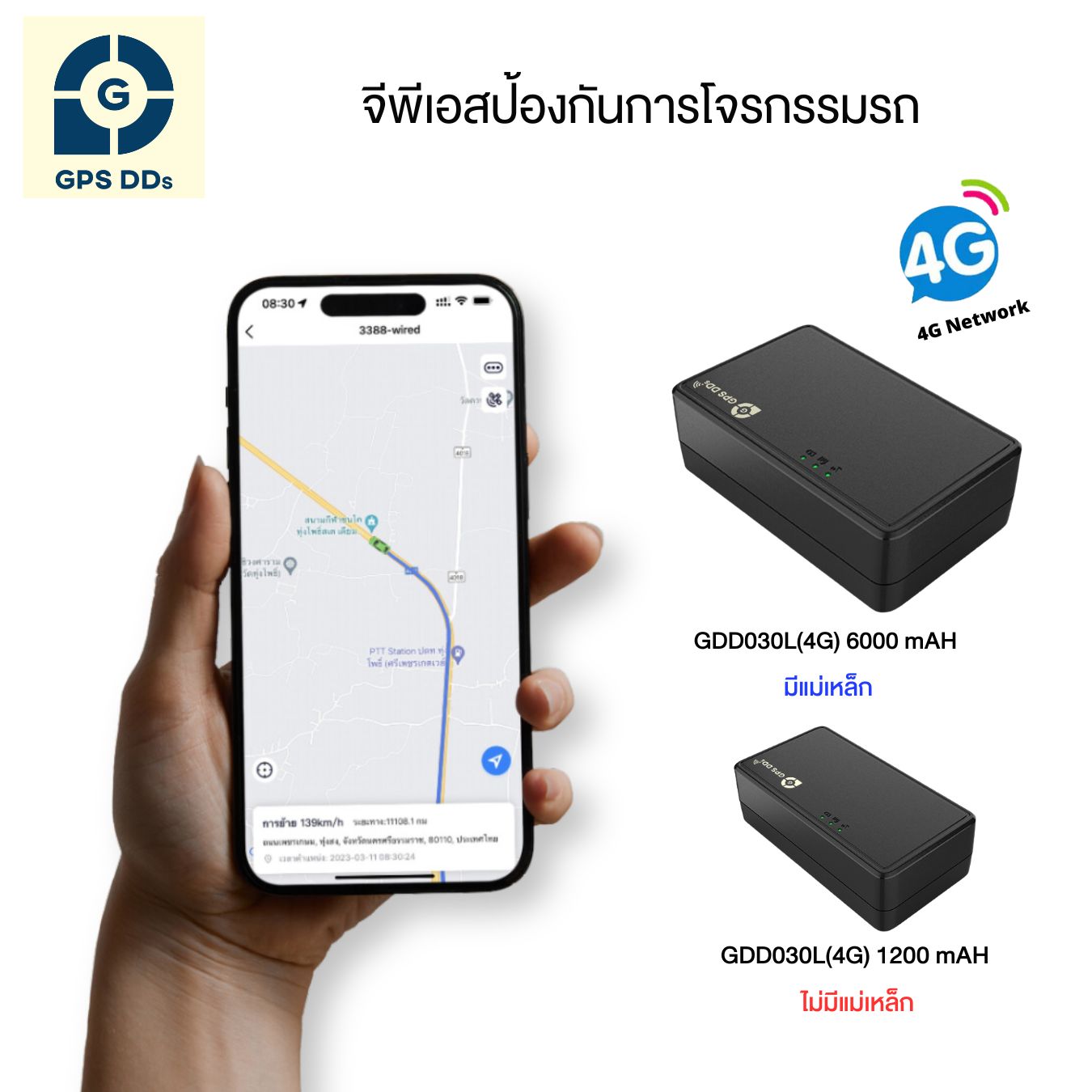
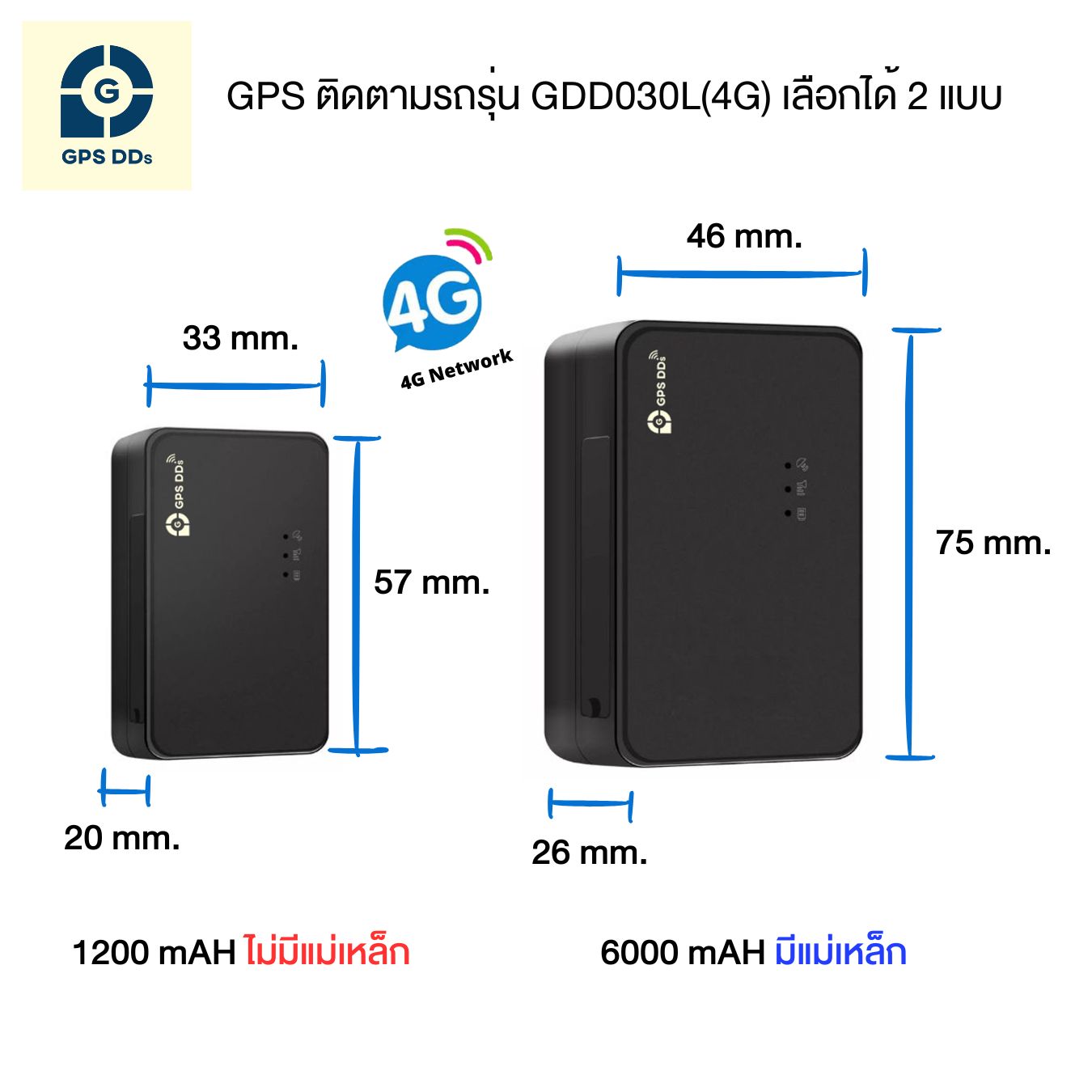
Two versions to suit your use
Version 1: 1,200 mAh battery (compact and portable)
- Small 4.8 × 2.8 × 2.0 cm, light at about 40 g
- Smooth, flat design with no magnet — slim enough for a storage compartment or for keeping track of valuable items
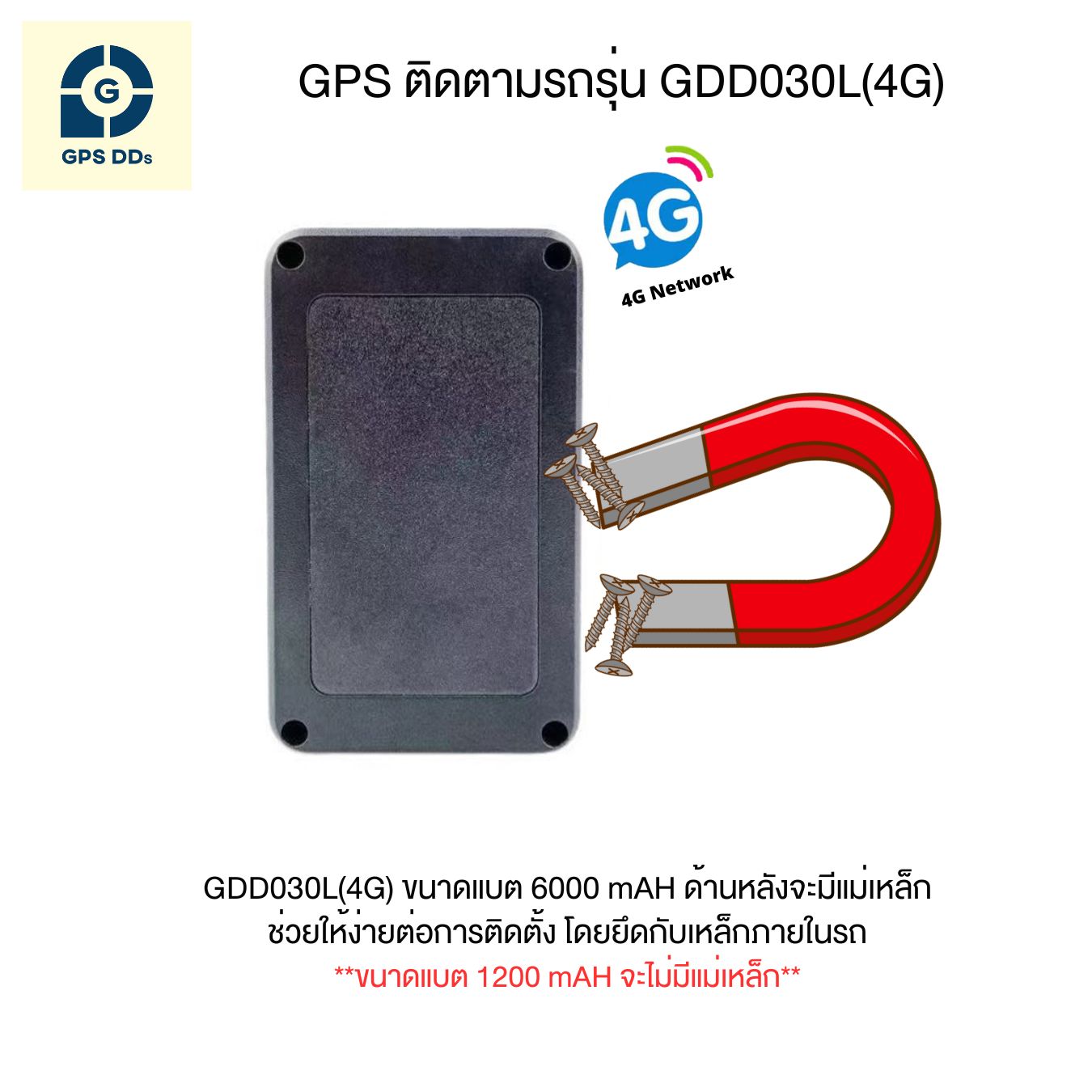
Version 2: 6,000 mAh battery (long battery life, built-in magnet)
- 8.0 × 5.0 × 3.2 cm, about 158 g
- Powerful built-in magnet sticks firmly to the vehicle's steel frame — easy to install, long battery life
What is it good for?
- Private and family cars (theft protection): we recommend the 6,000 mAh version — open the app to see the live location and act quickly
- Transport businesses and company cars: export trip history to Excel to check routes, times and speeds, helping you plan work and manage vehicle use
- Keeping track of valuables: choose the compact, portable 1,200 mAh version
Quick start guide
Step 1: Insert the SIM card
- Prepare a registered SIM with an active data package and remaining validity
- Remove the rubber plug on the side, face the gold chip as shown on the label, and push the SIM all the way in
- The device switches on automatically and the LED blinks while it looks for a signal. The first time, place it in an open area for 5–10 minutes
Step 2: Log in to the GPSDD app
- Download the free GPSDD app from the App Store / Play Store and allow the requested permissions
- Choose to log in with your device ID (ID Login)
- Enter the username/password from the sticker on the box, accept the policy and tap Log in
Warranty terms
- 🛡️ 6-month warranty • Replacement within 7 days for manufacturing defects
Please read the usage and warranty terms for your own benefit



Are there costs after purchase?
The tracking app is free for the first year, then 250 baht/year · SIM service is charged separately, depending on the package you choose
Related products
-
Sale 34.89932885906%
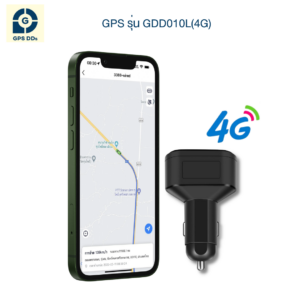
GDD010L (4G) Vehicle GPS Tracker — 12V Socket Plug, Charges Your Phone
Price range: 900 ฿ through 970 ฿ Select options This product has multiple variants. The options may be chosen on the product page -
Sale 40.191387559809%
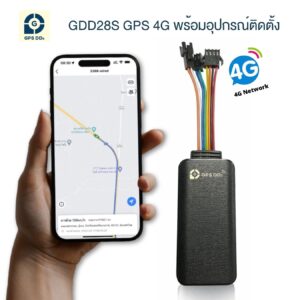
GDD28s (4G) Vehicle GPS Tracker — Hardwired, Remote Engine Cut-Off
Price range: 1,200 ฿ through 1,250 ฿ Select options This product has multiple variants. The options may be chosen on the product page -
Sale 52.513966480447%
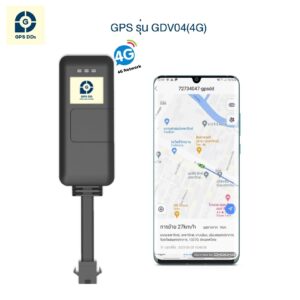
GDV04 (4G) Vehicle GPS Tracker — With Relay, Starter & Fuel Cut-Off
Price range: 800 ฿ through 850 ฿ Select options This product has multiple variants. The options may be chosen on the product page -
Sale 39.72602739726%
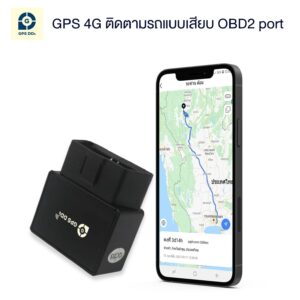
GDDT08L (4G) Vehicle GPS Tracker — OBD Port, Easy DIY Install
Price range: 1,250 ฿ through 1,320 ฿ Select options This product has multiple variants. The options may be chosen on the product page